Is WhatsApp Safe for Sharing Personal Information?
WhatsApp has become an essential part of modern communication. Millions of people use the messaging application to exchange photographs, discuss financial matters, send important documents, and communicate with friends, family members, and businesses.
With so much personal information being shared every day, an important question arises: Is WhatsApp actually safe for sharing sensitive information?
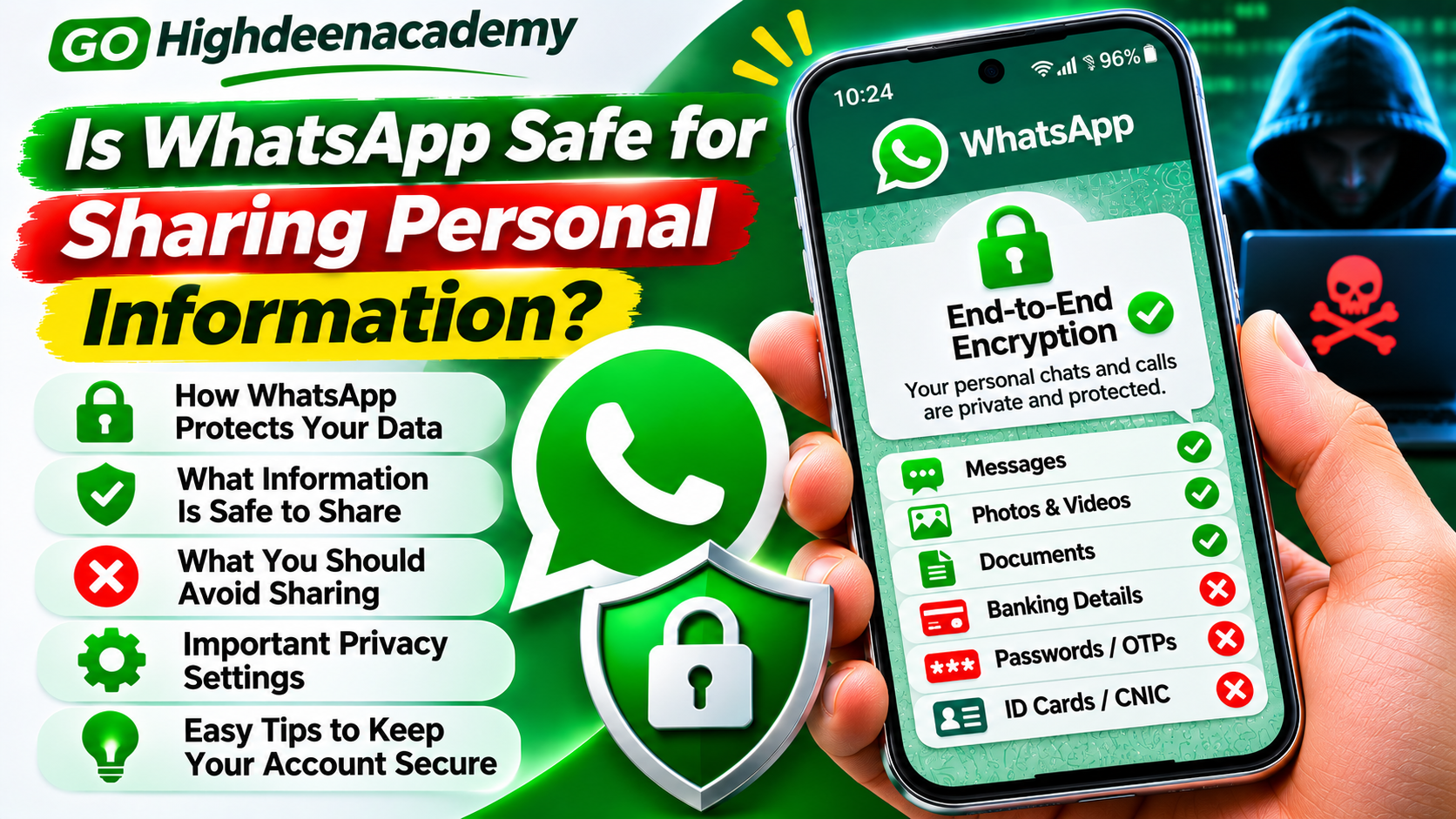
WhatsApp provides several security features, including end-to-end encryption, two-step verification, disappearing messages, and privacy controls. These technologies help protect conversations from unauthorized access.
However, no messaging application can guarantee complete protection against every security threat.
Cybercriminals may attempt to steal accounts, impersonate trusted contacts, or convince users to disclose confidential information.
This guide explains how WhatsApp protects personal data, which information may be risky to share, and how users can strengthen their privacy while communicating online.
Is WhatsApp Safe to Use?
WhatsApp is generally considered a secure messaging platform for ordinary personal communication when users follow appropriate security practices.
One of its most important security features is end-to-end encryption.
This technology helps ensure that the contents of personal messages and calls remain accessible only to the people participating in the conversation.
However, WhatsApp security should not be confused with complete privacy in every situation.
For example, a recipient may copy or share information after receiving it.
Someone with access to an unlocked smartphone may also be able to read private conversations.
Additionally, phishing attacks and fraudulent messages can trick users into sharing sensitive information voluntarily.
Therefore, WhatsApp can be a useful platform for private conversations, but users should carefully consider what information they share and who receives it.
How Does WhatsApp End-to-End Encryption Work?
End-to-end encryption is a technology that protects information while it travels between communicating devices.
When you send a personal message through WhatsApp, the message is encrypted before leaving your device.
It remains protected during transmission and is decrypted by the intended recipient's device.
According to WhatsApp, even WhatsApp and Meta cannot read the content of ordinary end-to-end encrypted personal messages.
This protection also applies to personal voice calls, video calls, photographs, and many other supported forms of communication.
However, encryption does not prevent recipients from saving or distributing information they receive.
It also does not protect messages that someone can read directly on a compromised or unlocked device.
Understanding this difference is essential when evaluating the safety of sharing confidential information.
What Personal Information Can You Share on WhatsApp?
Not all personal information carries the same level of risk.
Sharing everyday information with trusted individuals is generally less concerning than sending confidential financial or identity-related details.
General Personal Conversations
Ordinary conversations about family activities, travel plans, and daily events can usually be shared through WhatsApp.
However, consider whether the recipient is trustworthy and whether the information could cause problems if forwarded.
Personal Photographs
WhatsApp allows users to exchange photographs and videos using encrypted chats.
Although transmission is protected, recipients may save, copy, or capture media using another device.
Avoid sharing photographs that could expose sensitive personal information, such as identification documents or financial records, unless absolutely necessary.
Contact Information
Sharing your phone number or email address with someone you trust may be reasonable.
However, avoid distributing personal contact details in unfamiliar groups or public discussions.
Scammers can use exposed contact information for spam, phishing, and impersonation attempts.
Location Information
WhatsApp offers options for sharing current and live locations.
These features can be useful when meeting trusted friends or coordinating travel.
However, sharing your real-time location with an unfamiliar person can create privacy and personal safety risks.
Only share location information when necessary, and stop live sharing when it is no longer needed.
What Information Should You Avoid Sharing on WhatsApp?
Certain categories of information require particular caution.
Even when messages are encrypted, the recipient's identity and device security remain important.
1. Banking Passwords and Login Details
Never send your online banking password or complete login credentials through WhatsApp.
Banks provide official authentication systems for accessing financial services.
Sharing passwords through messaging applications can increase the risk of unauthorized transactions and account misuse.
2. One-Time Passwords and Verification Codes
One-time passwords, commonly called OTPs, are designed to verify sensitive actions.
Scammers frequently impersonate customer support representatives or trusted contacts to obtain these codes.
Never share banking OTPs, WhatsApp registration codes, or other authentication codes with another person.
3. Credit Card and Debit Card Information
Avoid sending complete payment card numbers, security codes, PINs, or expiration details in chat messages.
Even if you trust the recipient, another person may gain access to their device.
Use secure, authorized payment systems whenever financial information is required.
4. Identification Documents
Identity cards, passports, driving licenses, and other official documents contain valuable personal information.
Fraudsters may misuse exposed documents for impersonation or identity-related fraud.
If document sharing is necessary, verify the recipient and consider using a secure document submission system.
5. Highly Confidential Information
Medical records, legal documents, business credentials, and other confidential files deserve additional protection.
Consider whether the recipient genuinely needs the information and whether another secure communication method would be more appropriate.
Can WhatsApp Messages Be Hacked?
WhatsApp's end-to-end encryption is designed to protect message content during transmission.
However, attackers may target accounts, devices, or users rather than attempting to break encryption directly.
For example, a criminal might gain access to an unlocked phone or trick someone into linking WhatsApp to an unauthorized computer.
Attackers may also send phishing messages requesting verification codes or sensitive account information.
Another possibility involves malicious software installed on a user's device.
These threats demonstrate why strong encryption alone cannot eliminate every privacy risk.
Protecting the device, account, and recovery methods is equally important.
Is WhatsApp Safe for Sending Personal Documents?
Sending documents through WhatsApp can be convenient, especially for family communication and routine business tasks.
WhatsApp supports encrypted document transfers within personal conversations.
Nevertheless, confidential documents may remain accessible on the recipient's device after delivery.
Recipients may also download, forward, print, or store documents outside WhatsApp.
Before sending an important document, consider these questions:
Do I personally know and trust the recipient?
Is sharing this document necessary?
Could sensitive information be removed or concealed?
Is there a safer official upload method?
What could happen if the document is forwarded?
For particularly sensitive documents, an organization's secure portal or another approved document-sharing service may be preferable.
How to Improve Your WhatsApp Privacy Settings
WhatsApp includes several options for controlling account visibility and protecting conversations.
Users should review these settings regularly.
Control Profile Photo Visibility
Open WhatsApp Settings and navigate to Privacy.
Locate the profile photo option and choose who can view your photograph.
Limiting visibility can reduce unnecessary exposure to unfamiliar contacts.
Manage Last Seen and Online Status
WhatsApp allows users to control who can see their last-seen and online information.
These settings can help reduce unwanted monitoring of your activity.
Choose privacy options appropriate for your communication needs.
Restrict Group Invitations
Unwanted group invitations can expose users to spam and fraudulent messages.
Review the Groups option under Privacy and adjust who can add you to groups.
Enable Two-Step Verification
Two-step verification adds an additional authentication requirement to your account.
Open Settings, select Account, and follow the available two-step verification instructions.
Keep your verification credentials private and maintain access to your recovery email account.
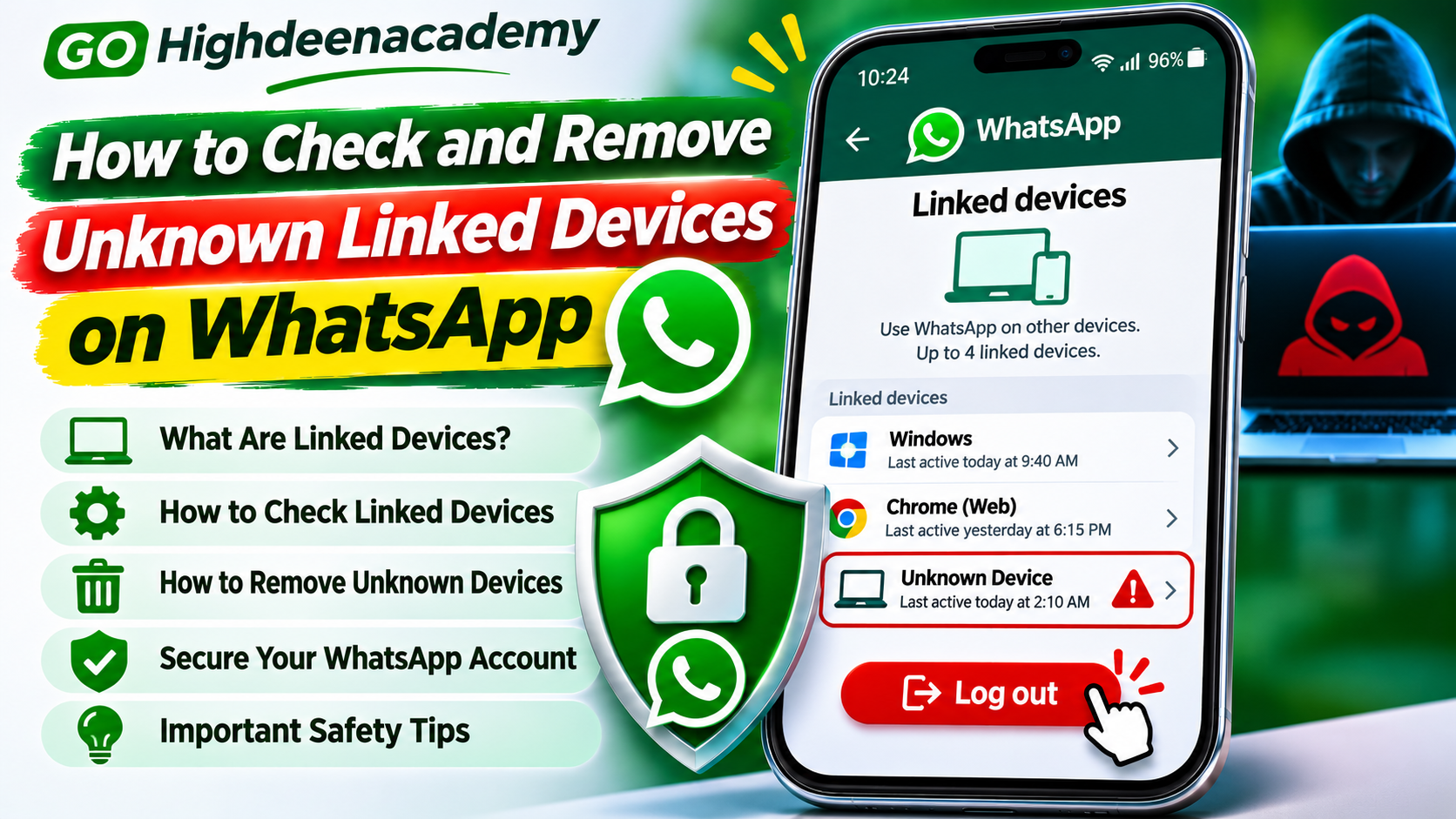
Review Linked Devices
WhatsApp supports multiple connected devices.
Check the Linked Devices section periodically and remove sessions you do not recognize.
This is particularly important after accessing WhatsApp through a shared computer.
Are Disappearing Messages Completely Private?
WhatsApp offers disappearing messages that can automatically disappear after a selected period.
Available durations include 24 hours, seven days, and 90 days.
This feature can reduce the amount of conversation history remaining in a chat.
However, disappearing messages should not be treated as a guarantee that information cannot be preserved.
Recipients may forward, copy, photograph, or otherwise retain content before it disappears.
In some cases, messages may also remain in notifications, quotes, or backups.
Therefore, disappearing messages can improve privacy management but do not replace careful decisions about sharing sensitive information.
Is WhatsApp View Once Safe for Private Photos?
WhatsApp's View Once feature allows users to send supported photographs, videos, and voice messages that disappear from the chat after they are opened.
WhatsApp also provides restrictions against ordinary screenshots and screen recordings of View Once photographs and videos within supported applications.
However, recipients may still capture content using another camera or device.
This means View Once can reduce casual saving and redistribution, but it cannot guarantee complete confidentiality.
Only send sensitive media to people you trust, even when View Once is enabled.
Are WhatsApp Chat Backups Secure?
WhatsApp allows users to back up chat history through supported cloud services such as Google Drive and iCloud.
However, cloud backups require separate security consideration.
WhatsApp offers optional end-to-end encrypted backups to help protect stored conversation history.
Users can review backup encryption settings within the application's chat backup options.
When enabling encrypted backups, follow WhatsApp's instructions for protecting your backup password, encryption key, or other supported recovery method.
Losing the required recovery credentials may prevent access to protected backup information.
It is also important to secure the Google or Apple account associated with your backups.
Use strong passwords and multifactor authentication where available.
Is It Safe to Share Information With WhatsApp Businesses?
Many businesses use WhatsApp to communicate with customers, provide support, and manage orders.
However, business conversations require special consideration.
Some businesses use Meta-hosted infrastructure or external service providers to manage customer communications.
According to WhatsApp, messages involving certain business messaging arrangements may not receive the same end-to-end encryption protections as ordinary personal chats.
Businesses may also process information customers voluntarily provide according to their own policies.
Before sharing personal or financial information with a business, verify its identity and review its data-handling practices.
Avoid sending payment card security codes, passwords, or other authentication credentials through business chats.
How to Recognize WhatsApp Privacy and Security Threats
Suspicious WhatsApp messages often use familiar techniques to manipulate recipients.
A scammer may pretend to represent a bank, delivery service, technology company, or trusted family member.
Warning signs include unexpected requests for personal details, unfamiliar website links, urgent payment demands, and messages requesting verification codes.
Some criminals create fake support accounts using recognizable company logos.
Others use compromised accounts to contact friends and relatives.
If a message seems suspicious, verify the sender independently before responding.
Avoid clicking unfamiliar links or downloading unexpected attachments.
What to Do If You Accidentally Share Sensitive Information
If you accidentally disclose confidential information, act quickly.
First, identify exactly what information was shared and which accounts may be affected.
If you disclosed a password, change it through the official service immediately.
If you shared banking or payment card information, contact your financial institution.
If you exposed a WhatsApp verification code, review your account security and linked devices.
Consider notifying the recipient and requesting deletion of the information, although deletion cannot guarantee that copies were not retained.
If identity documents were exposed, monitor for suspicious activity and contact appropriate organizations when necessary.
Frequently Asked Questions
Can WhatsApp read my personal messages?
WhatsApp states that ordinary personal messages and calls are end-to-end encrypted, meaning WhatsApp cannot read or listen to their content during normal operation.
Is WhatsApp safe for sending passwords?
Sharing passwords through WhatsApp is not recommended. Use secure authentication systems or a trusted password manager's sharing feature when necessary.
Can someone save my WhatsApp photos?
Yes. Recipients may save ordinary media and can potentially capture content using another device, even when certain privacy restrictions apply.
Is sharing a home address on WhatsApp safe?
Sharing an address with a trusted person may be reasonable, but avoid posting sensitive location details in unfamiliar groups or sending them to unverified contacts.
Are WhatsApp calls secure?
WhatsApp provides end-to-end encryption for personal voice and video calls. However, device security and the trustworthiness of participants still matter.
Can two-step verification protect my personal information?
Two-step verification helps protect account access, but it does not prevent every type of scam, device compromise, or information misuse.
Final Thoughts
WhatsApp provides strong security features that make it suitable for many everyday communication needs.
End-to-end encryption protects personal conversations during transmission, while privacy settings, encrypted backups, and account verification features provide additional safeguards.
However, sharing personal information always involves some degree of risk.
The safety of your information depends not only on the application but also on the recipient, the security of connected devices, and the type of information being shared.
Avoid sending passwords, verification codes, complete banking credentials, and unnecessary identification documents.
Review your privacy settings regularly and remain cautious about suspicious messages.
The safest approach is simple: Share only the information that is necessary, verify the recipient, and protect your account with strong security settings.
At GO Highdeenacademy, we encourage readers to make informed decisions about online privacy and develop responsible digital communication habits.