How to Secure WhatsApp Chats and Backups from Unauthorized Access
WhatsApp has become an important part of everyday communication. Millions of people use it to exchange personal messages, share photographs, send documents, and communicate with family members, friends, and businesses.
As more personal information is stored in messaging applications, protecting conversations from unauthorized access has become increasingly important.
Although WhatsApp provides end-to-end encryption for personal messages and calls, users can still face security threats involving stolen phones, unauthorized linked devices, phishing attacks, and insecure cloud backups.
Someone who gains access to your unlocked phone or connected account may be able to view private conversations, even when message encryption is enabled.
Fortunately, WhatsApp offers several security features designed to help protect messages, media, and backup files.
In this comprehensive guide, we explain how to secure WhatsApp chats and backups, enable important privacy settings, prevent unauthorized access, and protect your information in 2026.
Why Is WhatsApp Chat Security Important?
WhatsApp conversations often contain information that users would prefer to keep private.
This may include personal photographs, family discussions, business documents, financial conversations, and other sensitive details.
If an unauthorized person accesses these conversations, the consequences could include privacy violations, impersonation, or financial fraud.
For example, someone who gains control of a WhatsApp account might contact the owner's friends and request money while pretending to be that person.
An individual with physical access to an unlocked smartphone may also read confidential conversations.
Cloud backups introduce another consideration because they contain stored copies of message history.
Protecting both active conversations and saved backups is therefore an essential part of maintaining WhatsApp privacy.
How Does WhatsApp Protect Your Messages?
WhatsApp uses end-to-end encryption to protect personal messages and calls.
This technology helps ensure that only the intended participants can read the contents of their conversations.
When you send a message, it is encrypted on your device before transmission and decrypted on the recipient's device.
According to WhatsApp, even WhatsApp itself cannot read the contents of ordinary end-to-end encrypted personal messages.
However, encryption does not eliminate every privacy risk.
A person with unauthorized access to your phone, linked computer, or an account belonging to a conversation participant may still be able to view messages.
Similarly, recipients can potentially copy, save, or forward information after receiving it.
For complete protection, users must combine encryption with secure devices, careful account management, and responsible communication habits.
1. Enable WhatsApp App Lock
App Lock adds another layer of protection by requiring authentication before someone can open WhatsApp.
Depending on your device, authentication may involve fingerprint recognition, facial recognition, or another supported security method.
This feature is particularly useful when other people occasionally handle your smartphone.
How to Enable App Lock on Android
Open WhatsApp on your Android phone.
Tap the three-dot menu and open Settings.
Select Privacy.
Locate App Lock or the available biometric locking option.
Enable the feature.
Choose your preferred automatic locking interval.
Menu labels may differ depending on your WhatsApp and Android versions.
How to Enable App Lock on iPhone
Open WhatsApp.
Navigate to Settings.
Select Privacy.
Tap App Lock.
Enable the available Face ID or Touch ID option.
Select when WhatsApp should lock automatically.
App Lock helps protect access to conversations, but it should not replace your phone's main screen lock.
Use both features for stronger security.
2. Protect Sensitive Conversations With Chat Lock
WhatsApp Chat Lock allows users to protect individual conversations using an additional authentication requirement.
Instead of locking the entire application, this feature focuses on selected chats.
Locked conversations are placed in a protected folder, and their notification content is hidden.
This can be useful for private family conversations, confidential discussions, or other sensitive communications.
How to Lock a WhatsApp Chat
Open WhatsApp.
Locate the conversation you want to protect.
Open the chat information or available chat options.
Select Chat Lock.
Enable the feature.
Complete the required device authentication.
The exact steps can vary across Android, iPhone, and supported desktop versions.
Once enabled, the conversation requires the relevant authentication method to open.
3. Use a Secret Code for Locked Chats
WhatsApp offers an additional privacy option called Secret Code.
This feature lets users protect locked chats with a code separate from the phone's main passcode.
Users can also hide the Locked Chats folder from the regular chat list.
When hidden, the folder can be accessed by entering the secret code in WhatsApp's search field.
This provides another layer of privacy for sensitive conversations.
To configure it, open your Locked Chats folder, access its settings, and follow the available Secret Code instructions.
Choose a code that is difficult to guess but manageable to remember.
Importantly, avoid using destructive recovery options without understanding their consequences.
WhatsApp warns that unlocking and clearing locked chats can delete the messages, photographs, and videos stored in those conversations.
Therefore, remember your secret code and maintain appropriate backups before making major changes.
4. Enable End-to-End Encrypted WhatsApp Backups
Securing chat backups is one of the most important steps in protecting stored conversations.
WhatsApp allows Android users to save supported backups to their Google Account, while iPhone users can use iCloud.
Although personal WhatsApp messages are end-to-end encrypted by default, cloud backups require their own encryption setting.
WhatsApp offers optional end-to-end encrypted backups to protect saved message history and media.
When properly enabled, backup information is protected using a supported password, encryption key, or passkey.
How to Enable Encrypted Backups
Open WhatsApp.
Navigate to Settings.
Select Chats.
Tap Chat Backup.
Open End-to-end encrypted backup.
Select Turn on.
Choose an available security method.
Complete the setup instructions.
WhatsApp supports different backup protection methods depending on the account and device.
These may include a passkey, password, or 64-digit encryption key.
After enabling encryption, verify that the feature is active before relying on the backup for future recovery.
5. Understand Passkey-Protected Backups
WhatsApp introduced passkey-encrypted backups to simplify the process of protecting stored conversations.
Instead of requiring users to memorize a complicated encryption key, passkeys can use supported device authentication methods.
These may include fingerprint recognition, facial recognition, or a device screen lock.
Passkeys are managed through supported security systems, such as a compatible password manager.
This approach can make encrypted backup protection more convenient while maintaining strong authentication.
However, passkey availability depends on device compatibility, account configuration, and supported software versions.
Users should check the available options under the End-to-end encrypted backup settings rather than assuming that every device supports identical features.
6. Protect Your Backup Password or Encryption Key
If you choose password-based backup protection, create a strong and unique password.
Avoid using obvious information such as birthdays, names, or simple number sequences.
Consider storing the password in a reputable password manager.
If you use a 64-digit encryption key, preserve it securely and avoid sharing it through messages or email.
Losing the required credentials may prevent you from restoring an encrypted backup.
According to WhatsApp, it cannot reset a forgotten backup password or recover a lost encryption key for someone who no longer has access to their account and chats.
If you still have access to WhatsApp, certain password-management options may remain available.
Therefore, review your recovery arrangements before changing devices or uninstalling the application.
7. Secure Your Google Account or Apple Account
Encrypted backups provide important protection, but the cloud account connected to them also deserves attention.
Android users commonly rely on Google Accounts for WhatsApp backup storage.
iPhone users may rely on their Apple Accounts and iCloud.
If someone gains unauthorized access to these accounts, they may access associated cloud services or attempt to interfere with backup management.
Protect your cloud account by using a unique password and enabling multifactor authentication.
Review recent account activity and remove unfamiliar signed-in devices.
Keep recovery information current so that you can regain legitimate access if necessary.
Avoid sharing cloud account passwords or authentication codes with other people.
8. Check and Remove Unknown Linked Devices
WhatsApp allows accounts to operate on multiple supported devices.
This functionality is useful for computers and tablets, but unfamiliar connections may present privacy risks.
For example, someone could attempt to trick you into connecting WhatsApp to a computer controlled by an attacker.
To review linked devices:
Open WhatsApp on your primary smartphone.
Navigate to Linked Devices.
Review the listed connected sessions.
Identify devices you do not recognize.
Select an unfamiliar device.
Tap Log Out.
Removing a linked session prevents that device from continuing to access your account through the existing connection.
However, logging out does not guarantee the deletion of information someone previously copied or saved.
Regular device reviews can reduce the risk of unnoticed unauthorized access.
9. Enable Two-Step Verification
Two-step verification helps protect WhatsApp accounts against unauthorized registration attempts.
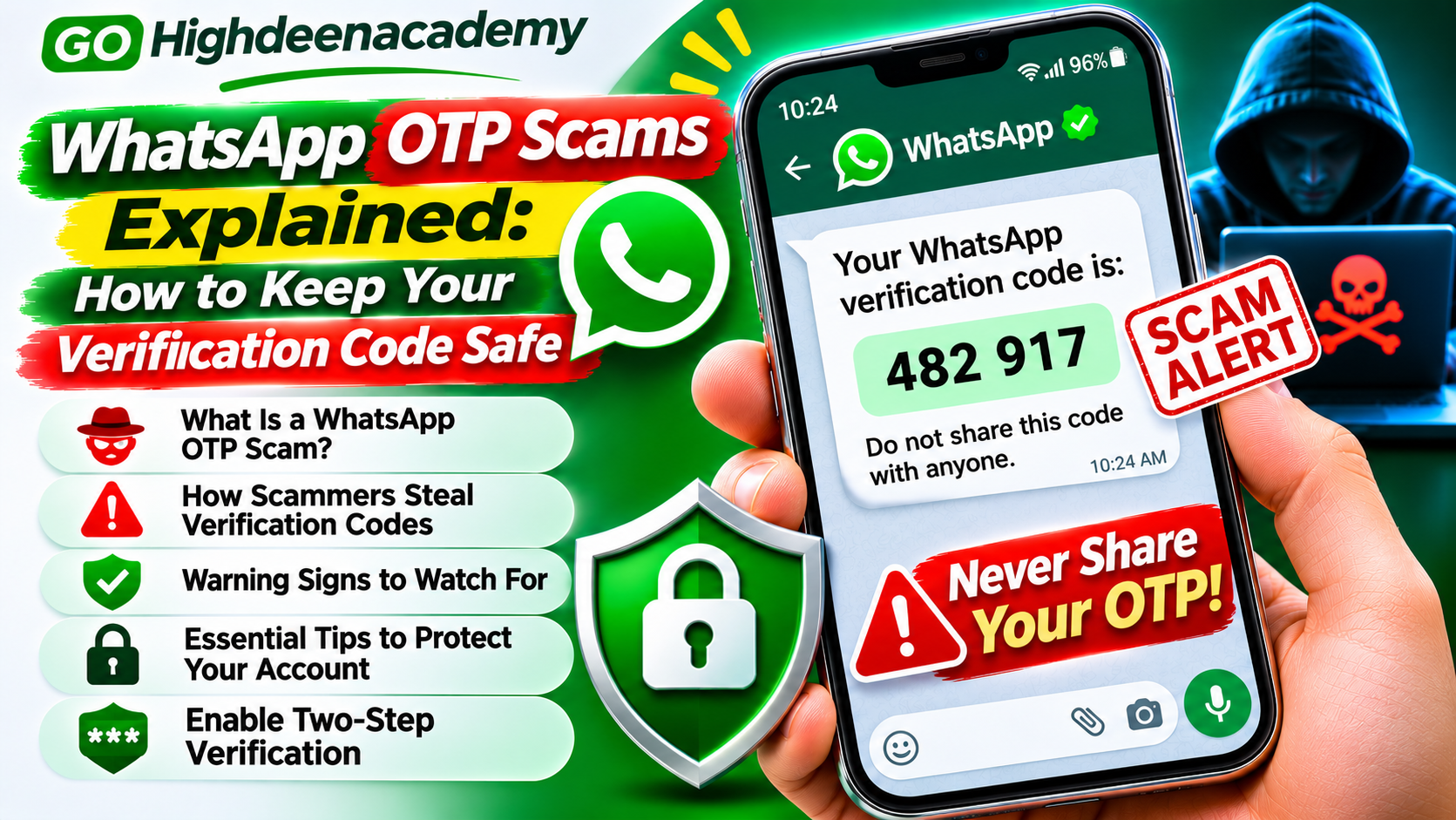
Attackers sometimes try to obtain temporary registration codes by impersonating trusted individuals or customer support representatives.
Additional verification makes these attacks more difficult.
In August 2026, Meta announced stronger WhatsApp two-step verification that supports longer, more complex passwords.
To configure the available protection, open WhatsApp Settings, select Account, and locate Two-step verification.
Follow the displayed instructions and add a recovery email address when appropriate.
Never share registration codes, security passwords, or verification credentials.
Remember that enabling two-step verification is not a substitute for securing your physical device and linked sessions.
10. Use Disappearing Messages Carefully
WhatsApp provides a disappearing messages feature that removes messages from a conversation after a selected period.
Available durations generally include 24 hours, seven days, and 90 days.
This feature can help reduce the amount of conversation history stored in a chat.
However, disappearing messages do not guarantee complete confidentiality.
Recipients may copy, forward, photograph, or otherwise retain information before it disappears.
Certain content may also remain accessible through other storage methods.
Use disappearing messages as a privacy management tool rather than a guarantee that sensitive information cannot be preserved.
11. Avoid Unauthorized Backup Applications
Some third-party applications promise automatic WhatsApp backup management, message recovery, or additional account protection.
However, granting unfamiliar applications access to your messages or device storage may introduce security risks.
Avoid installing modified WhatsApp applications or unofficial recovery tools.
Use the built-in WhatsApp backup features whenever possible.
Download application updates through trusted sources such as the Google Play Store or Apple App Store.
Review permissions carefully before allowing applications to access sensitive device information.
12. Keep Your Phone and WhatsApp Updated
Application updates frequently include improvements to security, stability, and privacy controls.
Using outdated software may expose your device to vulnerabilities that have already been addressed in newer versions.
Enable automatic updates when practical.
Also install important operating system security patches.
Use a strong screen lock and avoid leaving your phone unattended in public places.
If your phone supports biometric authentication, consider enabling it alongside a secure device passcode.
These measures help protect information stored locally on your smartphone.
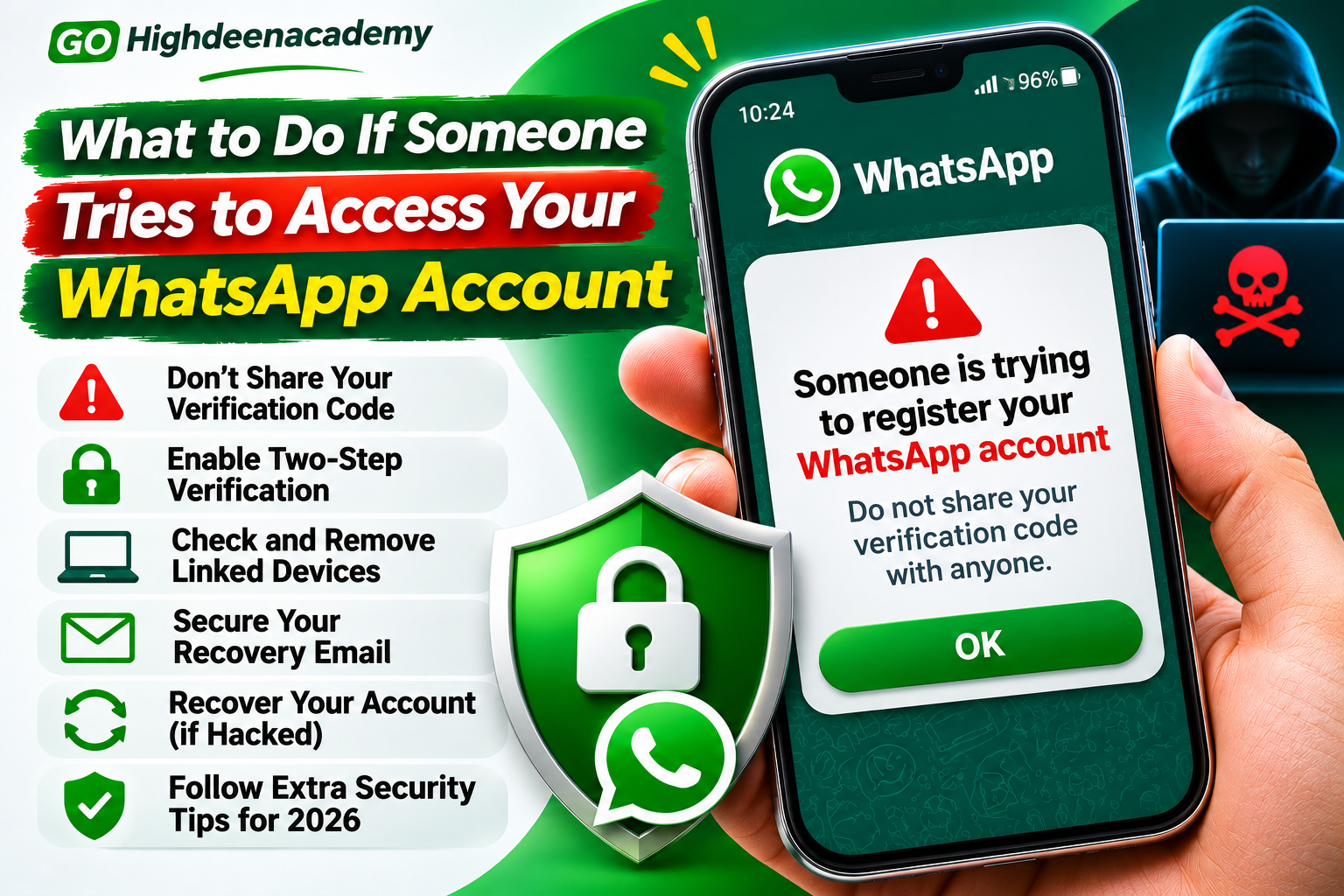
What to Do If Someone Accesses Your WhatsApp Chats
If you suspect unauthorized access, take action promptly.
First, inspect the Linked Devices section and disconnect unfamiliar sessions.
Review your phone's screen lock and WhatsApp privacy settings.
If your account credentials may have been exposed, update the available security information.
Protect your associated email and cloud accounts.
If someone has taken control of your WhatsApp account, follow the official account recovery process.
If unauthorized messages were sent to your contacts, inform them through another trusted communication channel.
Avoid paying third parties who claim they can bypass WhatsApp security or instantly recover any account.
For suspected financial fraud, contact your bank or payment provider immediately.
How to Restore Encrypted WhatsApp Backups Safely
Restoring an encrypted WhatsApp backup requires the appropriate account and authentication information.
On Android, restoration may require access to the Google Account associated with the backup.
On iPhone, the relevant Apple Account and iCloud configuration may be necessary.
You may also need your backup password, encryption key, or supported passkey authentication.
Follow the restore instructions during WhatsApp's account setup process.
Avoid repeatedly guessing forgotten credentials because unsuccessful attempts can trigger temporary restrictions.
Before reinstalling WhatsApp, confirm that your latest backup completed successfully and that you can access the required recovery method.
Remember that cloud backups may contain only the conversation history included in the most recent successful backup.
Frequently Asked Questions
Are WhatsApp chats automatically encrypted?
Yes. WhatsApp uses end-to-end encryption by default for ordinary personal messages and calls.
Are WhatsApp backups encrypted automatically?
Cloud backups require separate consideration. Users should enable and verify the optional end-to-end encrypted backup feature.
Can someone read my WhatsApp messages through a linked device?
An unauthorized linked device may be able to access conversations available through its connected session.
What happens if I forget my encrypted backup password?
Recovery depends on your account configuration and whether you still have access to WhatsApp. Without the required recovery credentials, restoring an encrypted backup may be impossible.
Is Chat Lock better than App Lock?
Both features serve different purposes. App Lock protects access to the application, while Chat Lock adds protection to selected conversations.
Can hackers access my backup if they know my Google password?
Access to your cloud account creates security risks. Properly enabled end-to-end encrypted backups provide an additional protection layer, but securing your cloud account remains essential.
Final Thoughts
Protecting WhatsApp conversations requires more than relying on end-to-end encryption alone.
Users should also secure their smartphones, review linked devices, protect cloud accounts, and enable appropriate backup encryption.
Features such as App Lock, Chat Lock, Secret Code, passkeys, and two-step verification provide additional layers of protection.
However, no single feature can eliminate every form of unauthorized access.
Regularly reviewing your security settings and avoiding suspicious messages can significantly reduce the risk of account compromise.
The best way to secure WhatsApp chats and backups is to combine strong authentication, encrypted storage, trusted devices, and responsible privacy practices.
At GO Highdeenacademy, we encourage readers to stay informed about digital security and take practical steps to protect their personal information.