How to Protect Your WhatsApp Account from Hackers in 2026
WhatsApp has become an essential communication tool for millions of people worldwide. From personal conversations and family updates to business discussions and financial information, users share important details through this popular messaging application every day.
However, as online communication continues to grow, cybercriminals are developing new methods to steal accounts, impersonate users, and trick people into revealing sensitive information.
In 2026, protecting your WhatsApp account requires more than simply installing the application and using it regularly. Understanding security settings, recognizing suspicious activity, and following safe digital habits can significantly reduce the risk of unauthorized access.
This guide explains how hackers attempt to compromise WhatsApp accounts and provides practical steps to keep your personal information, conversations, and account secure.
1. Understand How Hackers Target WhatsApp Accounts
Before improving your WhatsApp security, it is important to understand how account attacks happen.
Many WhatsApp account compromises involve social engineering rather than directly breaking the application's encryption.
Social engineering occurs when criminals manipulate individuals into sharing confidential information or performing unsafe actions.
Common attack methods include:
Verification code scams: Criminals convince users to share account registration codes.
Phishing messages: Fake websites or messages attempt to steal personal information.
Malicious applications: Untrusted software may compromise information stored on a device.
SIM swapping: Attackers fraudulently transfer a phone number to another SIM card.
Unauthorized linked devices: Someone gains access by linking an unfamiliar device to an account.
Understanding these techniques makes it easier to recognize suspicious situations before they develop into serious security problems.
2. Enable WhatsApp Two-Step Verification
Two-step verification provides an additional layer of security against unauthorized account registration.
WhatsApp strengthened this protection in 2026 by introducing stronger password-based verification, replacing the traditional six-digit PIN model in its updated system.
To review or enable this protection:
Open WhatsApp on your smartphone.
Navigate to Settings.
Select Account.
Tap Two-step verification.
Follow the available instructions to activate additional verification.
Configure recovery options if offered.
Depending on your application version, the available authentication options may differ.
Choose a strong, unique password if password-based verification is available. Avoid using personal information such as birthdays or easily guessed combinations.
This additional security helps reduce the possibility of someone taking over your WhatsApp account, even if they obtain a registration code.
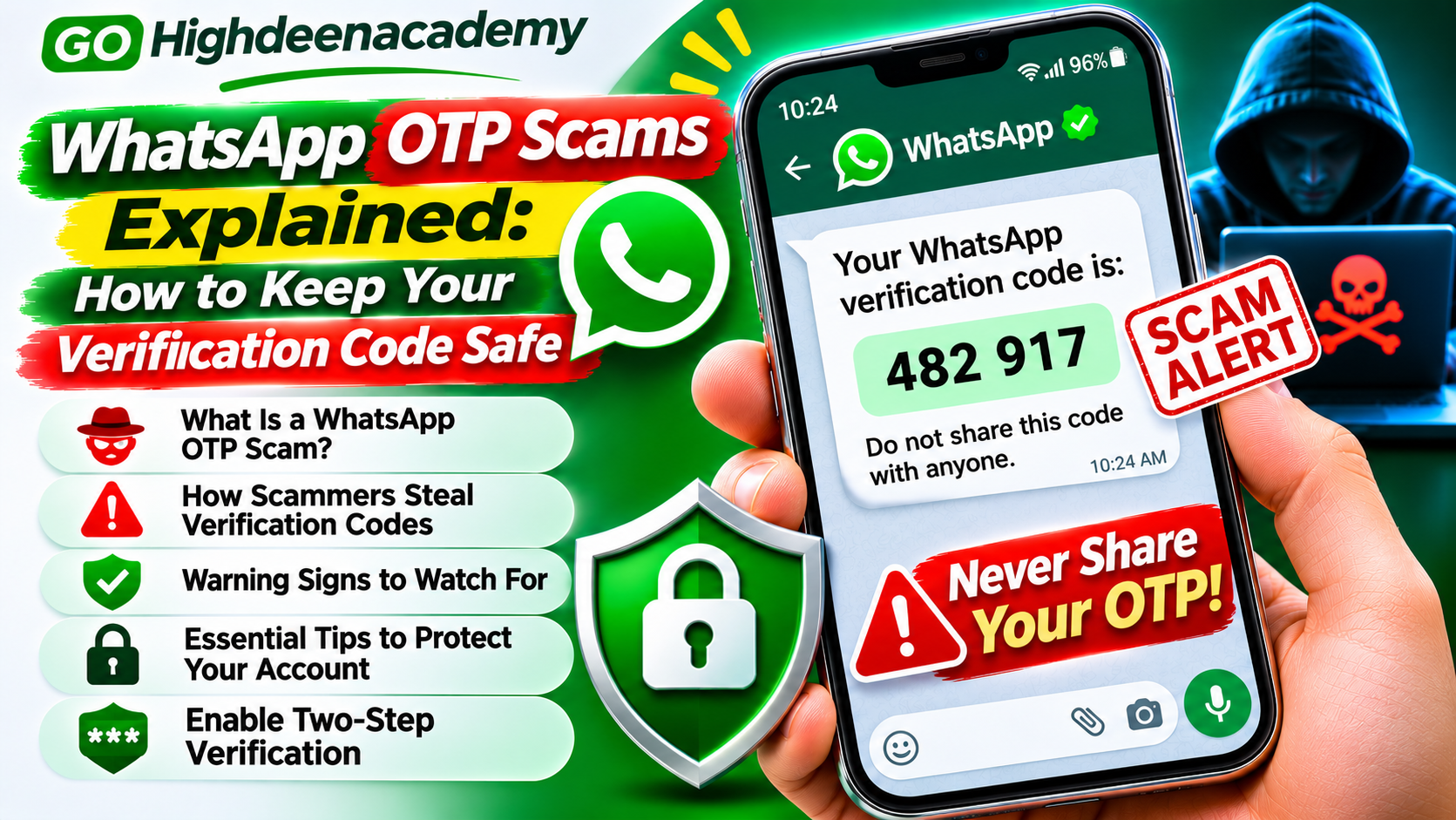
3. Never Share Your WhatsApp Verification Code
One of the most important WhatsApp security rules is to keep your registration verification code private.
When someone attempts to register your phone number, WhatsApp may send a verification code through an approved verification method.
Scammers sometimes pretend to be friends, family members, or customer support representatives and request this code.
For example, someone might claim they accidentally sent a verification code to your number and need you to forward it.
Sharing the code could allow an attacker to complete an unauthorized registration attempt.
Remember these essential precautions:
Never send your verification code to another person.
Do not share screenshots containing security codes.
Ignore unexpected requests for account verification.
Be suspicious of anyone requesting urgent account assistance.
If you receive a code without requesting it, someone may have entered your number accidentally or may be attempting unauthorized registration.
Receiving an unexpected code does not automatically mean your account has been hacked.
4. Set Up WhatsApp Passkeys
Passkeys offer a convenient way to verify your identity using your device's built-in security features.
Instead of relying entirely on traditional verification methods, supported devices can use biometric authentication or a screen lock.
WhatsApp allows users to manage passkeys through the application's account settings.
To check this feature:
Open WhatsApp Settings.
Select Account.
Look for Passkeys.
Follow the instructions to create or manage a passkey.
Passkeys can make certain sign-in processes safer and more convenient.
However, passkeys should complement other account protections rather than replace good security habits.
Always protect your smartphone with a secure screen lock and keep its operating system updated.
5. Regularly Check Linked Devices
WhatsApp supports connecting accounts to computers, tablets, and other compatible devices.
This feature is useful for communication across multiple devices, but unfamiliar linked sessions can create security risks.
Someone who gains access to an active linked session may be able to view conversations or interact with your account.
To inspect connected devices:
Open WhatsApp.
Navigate to Linked devices.
Review the connected devices displayed.
Select any unfamiliar session.
Tap Log out to disconnect it.
Review this section regularly, particularly after using WhatsApp on shared computers.
Avoid linking your WhatsApp account through unfamiliar websites or third-party applications.
6. Protect Your Smartphone with a Strong Screen Lock
Your smartphone is one of the most important security barriers protecting your WhatsApp account.
If another person gains access to an unlocked device, they may be able to read messages, change settings, or interact with connected accounts.
Use a strong device password, PIN, fingerprint, or facial authentication.
Avoid simple combinations that other people can easily guess.
You should also enable automatic screen locking after a short period of inactivity.
Where available, activate WhatsApp's application lock to require additional authentication when opening the app.
These protections are particularly helpful when a phone is lost, stolen, or temporarily left unattended.
7. Be Careful with Suspicious Links and Messages
Phishing remains a common online security threat.
Attackers may send messages containing links to fake websites designed to collect login details, verification codes, or financial information.
Some messages claim that a WhatsApp account will be suspended unless the user completes an urgent verification process.
Others advertise unrealistic rewards, employment opportunities, or financial benefits.
Before opening unfamiliar links:
Examine the sender and website address.
Avoid entering security codes on unknown websites.
Be cautious about urgent threats or unexpected rewards.
Verify suspicious requests through an independent communication channel.
Even messages appearing to come from known contacts should be checked if the request seems unusual.
A friend's compromised account may be used to distribute fraudulent messages.
8. Keep WhatsApp and Your Operating System Updated
Software updates help protect devices against security vulnerabilities.
Developers regularly release improvements designed to address technical issues, strengthen security, and improve application stability.
Using outdated applications may expose users to risks that have already been addressed in newer versions.
Install WhatsApp updates from trusted application stores, including Google Play or Apple's App Store.
Keep your Android or iOS operating system updated as well.
Enable automatic updates when practical, and regularly review important device security notifications.
Avoid downloading modified WhatsApp applications from unknown websites.
Unofficial versions may lack reliable security protections and could expose personal information.
9. Enable End-to-End Encrypted Chat Backups
WhatsApp uses end-to-end encryption for personal messages and calls by default.
However, protecting stored chat backups requires additional attention.
WhatsApp provides end-to-end encrypted backup options that can protect supported cloud backups using a passkey, password, or encryption key.
To review your backup settings:
Open WhatsApp Settings.
Select Chats.
Open Chat backup.
Choose End-to-end encrypted backup.
Follow the instructions to enable protection.
Keep your backup recovery credentials in a safe location.
If you lose access to the required password, encryption key, or passkey, recovering an encrypted backup may become impossible.
Protecting backups helps reduce the risk of unauthorized access to stored conversation history.
10. Adjust Your WhatsApp Privacy Settings
Privacy controls help limit the personal information available to unfamiliar users.
Open Settings > Privacy to review available options.
You can manage who can see your profile picture, last seen information, online status, and other personal details.
Consider restricting sensitive profile information to trusted contacts.
WhatsApp also provides controls for managing who can add you to groups.
Limiting unexpected group invitations can help reduce unwanted interactions and exposure to suspicious messages.
Use the application's Privacy Checkup feature, when available, to review important privacy controls.
Remember that privacy settings do not guarantee complete protection, but they can reduce unnecessary exposure.
11. Use Strict Account Settings When Necessary
In 2026, WhatsApp introduced Strict Account Settings, an advanced security feature designed particularly for individuals facing sophisticated cyber threats.
This feature applies more restrictive protections to reduce certain risks associated with unfamiliar callers, attachments, and other interactions.
Where available, users can find it through:
Settings > Privacy > Advanced > Strict Account Settings
The feature may be especially relevant to journalists, public figures, and people who believe they face targeted attacks.
Because strict protection can limit certain application functions, users should review its effects before enabling it.
For most people, maintaining standard security protections and safe communication habits remains an important foundation.
12. Avoid Sharing Sensitive Financial Information
WhatsApp is frequently used for business communication and everyday financial discussions.
However, users should remain cautious when exchanging sensitive information.
Avoid sending banking passwords, payment verification codes, or other confidential authentication details through ordinary conversations.
Scammers may impersonate financial institutions or familiar contacts to request urgent payments.
Before transferring money, independently verify the recipient and payment details.
Be particularly careful when someone suddenly changes payment instructions or requests immediate financial assistance.
End-to-end encryption protects communication in transit, but it cannot prevent a recipient from misusing information voluntarily shared with them.
13. Recognize Signs of a Compromised WhatsApp Account
Early detection can help reduce the consequences of unauthorized account access.
Possible warning signs include:
Unexpected account registration notifications.
Unknown devices appearing in Linked devices.
Messages sent without your knowledge.
Contacts reporting suspicious messages from your number.
Unexpected changes to account information.
Losing access to your WhatsApp account.
Not every unusual event confirms an account compromise.
Nevertheless, these warning signs should encourage you to investigate your account security immediately.
If you identify an unfamiliar linked device, disconnect it and review your security settings.
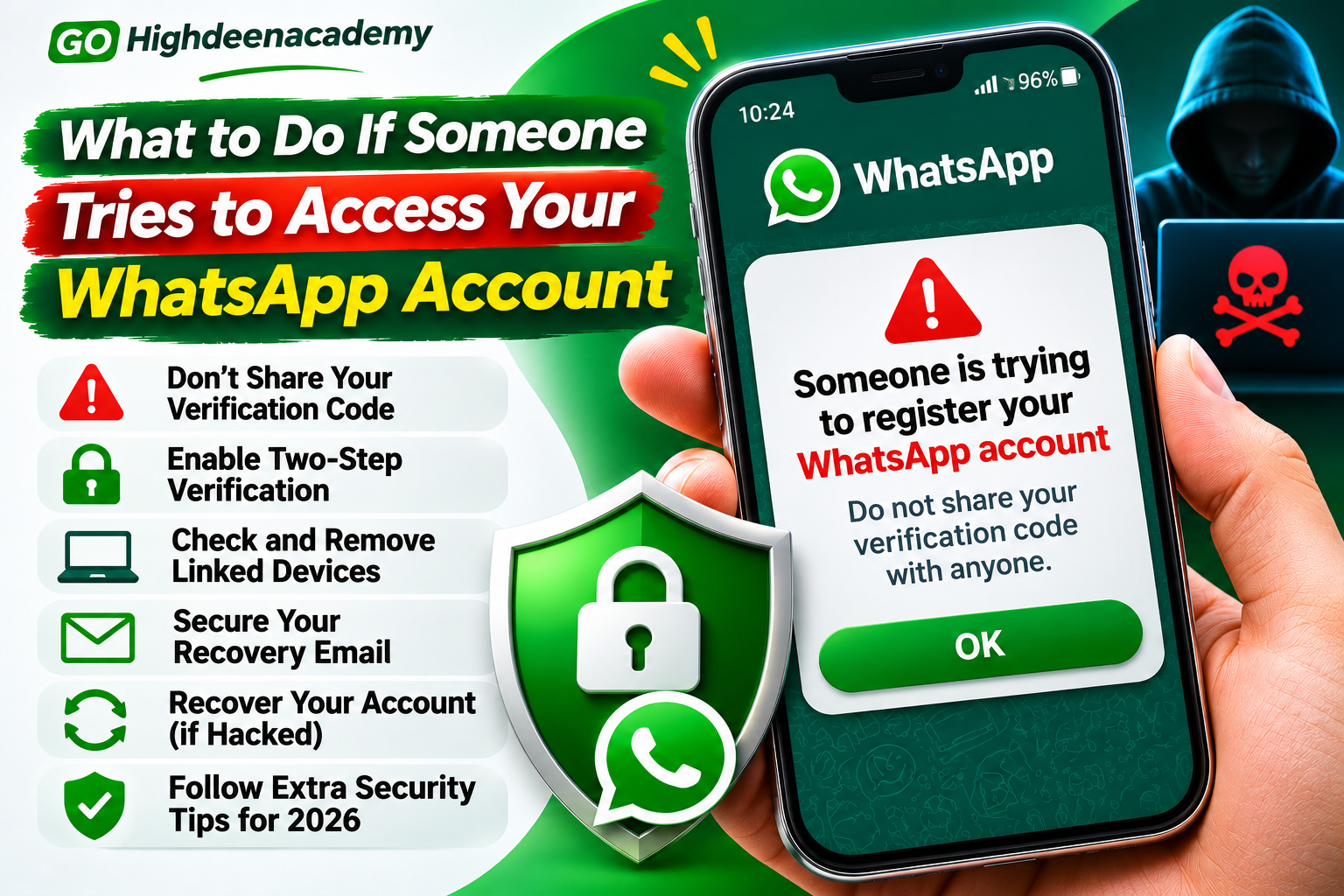
14. What to Do If Your WhatsApp Account Gets Hacked
If you believe someone has taken control of your WhatsApp account, respond quickly.
First, attempt to register your phone number again using the official WhatsApp application and its available verification process.
Successful registration can help remove unauthorized primary-device access.
If an unfamiliar two-step verification credential prevents immediate access, follow WhatsApp's official recovery instructions.
Recovery requirements and waiting periods can vary depending on the circumstances.
After recovering access:
Review your account security settings.
Disconnect unfamiliar linked devices.
Update your verification credentials where possible.
Check your phone for suspicious applications.
Inform contacts about any fraudulent messages sent from your account.
If you suspect SIM swapping, contact your mobile network provider immediately.
You can also use WhatsApp's official support resources for additional recovery guidance.
Avoid third-party services claiming they can instantly recover hacked accounts in exchange for money.
15. Develop Better Digital Security Habits
Strong account security depends on consistent habits.
Make time to review your WhatsApp settings, update your phone, and inspect linked devices.
Do not install applications from untrusted sources or provide unnecessary permissions.
Protect the email account and mobile number associated with your WhatsApp account.
Remain cautious about unexpected requests involving money, login credentials, or verification codes.
If a message creates pressure to act immediately, verify the situation before responding.
A few minutes spent checking an unusual request can prevent serious security and privacy problems.
Frequently Asked Questions
Can hackers access WhatsApp without knowing my password?
Attackers may attempt account takeover through stolen verification codes, SIM-swapping fraud, malicious software, or unauthorized device linking. Strong authentication and careful device management help reduce these risks.
Is WhatsApp safe to use in 2026?
WhatsApp provides security features including end-to-end encryption, passkeys, account verification, and privacy controls. Nevertheless, users must protect their devices and remain alert to scams.
Does two-step verification prevent every hacking attempt?
No. Additional verification makes certain account takeover attempts more difficult, but it cannot eliminate every security threat. Device protection and phishing awareness remain important.
Can someone read my WhatsApp messages through a linked device?
An unauthorized linked session may provide access to conversations available through that session. Regularly reviewing connected devices helps identify and remove unfamiliar access.
What should I do if I receive an unexpected WhatsApp verification code?
Do not share the code. Review your account security, watch for unfamiliar activity, and ensure additional verification is enabled.
Conclusion
Protecting your WhatsApp account from hackers in 2026 requires a combination of secure authentication, responsible communication, and regular security checks.
Enabling two-step verification, using passkeys where supported, reviewing linked devices, protecting chat backups, and recognizing phishing attempts can significantly strengthen your account security.
No digital security measure eliminates every possible threat. However, understanding how common attacks work and taking practical precautions can greatly reduce unnecessary risks.
Make account security a regular priority rather than waiting until suspicious activity occurs.
At GO Highdeenacademy, we encourage readers to develop safer digital habits, protect personal information, and stay informed about online security threats.