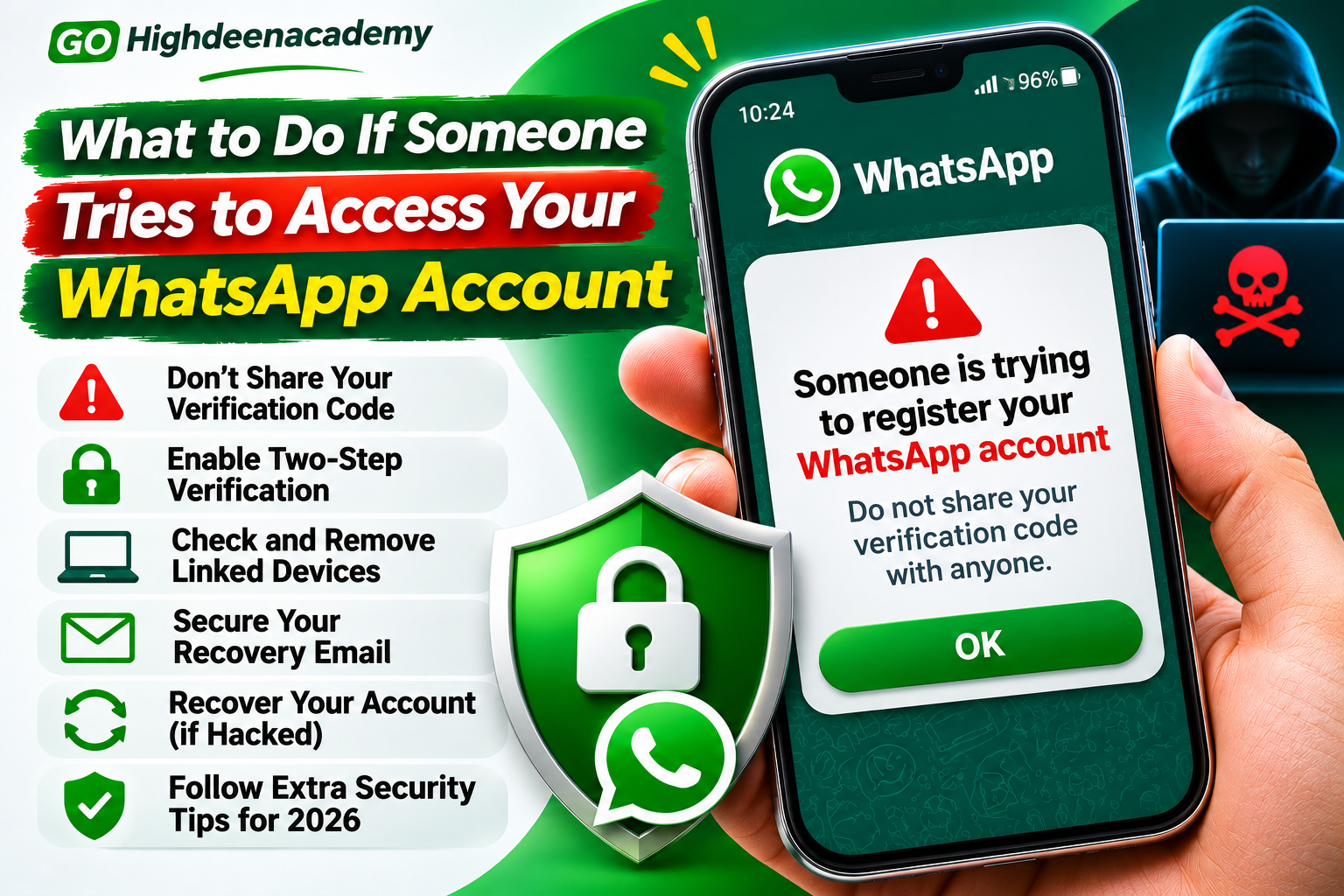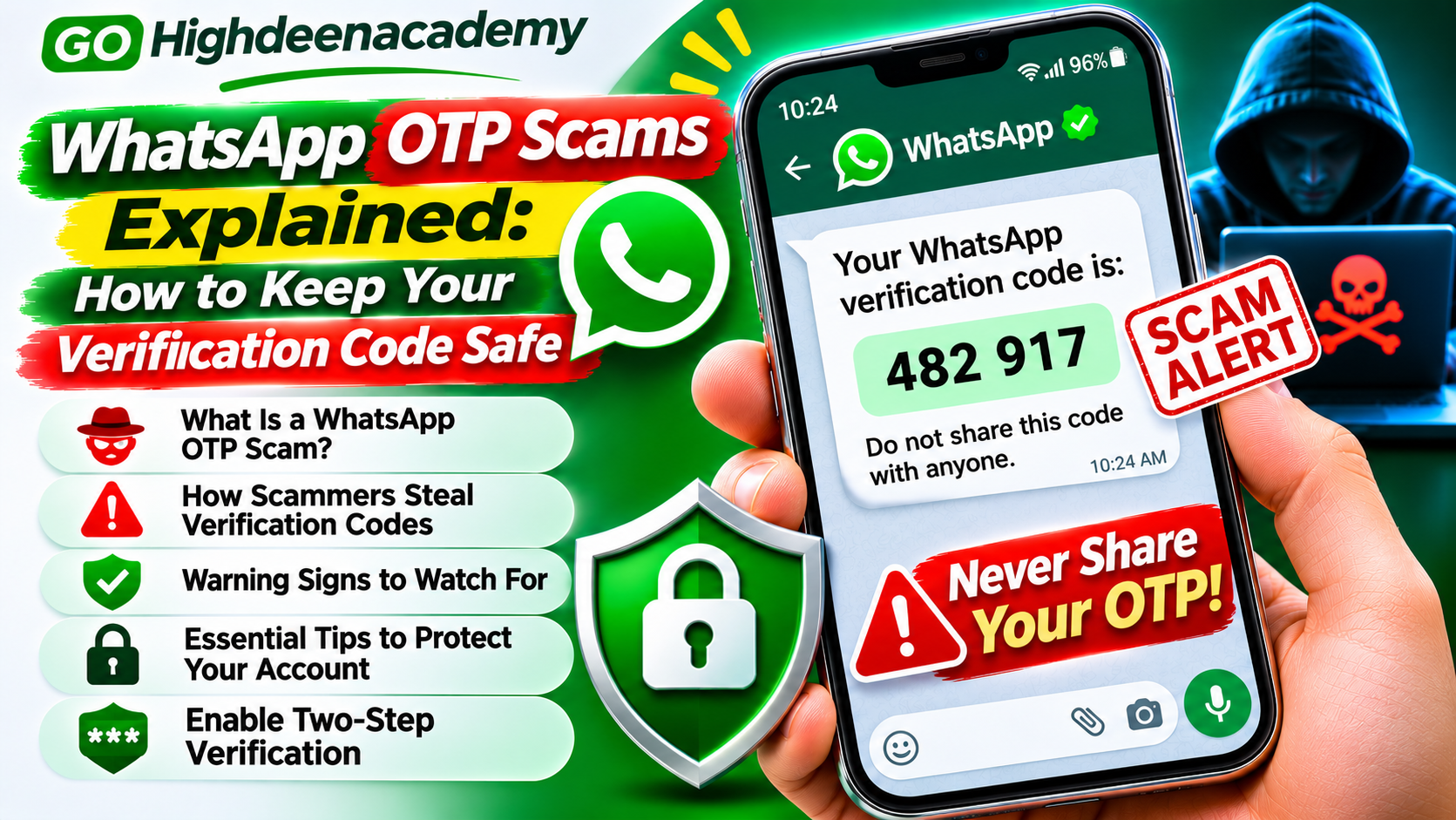
WhatsApp OTP Scams Explained: How to Keep Your Verification Code Safe
WhatsApp has become an essential communication platform for millions of people worldwide. From personal conversations and family discussions to business communication and customer support, the application offers a convenient way to stay connected.
However, its popularity has also attracted cybercriminals who attempt to steal accounts through fraudulent messages, impersonation, and verification code scams.
One common threat involves WhatsApp one-time passwords, often called OTPs. Scammers attempt to convince users to share confidential verification codes, potentially allowing unauthorized account access.
A seemingly harmless request for a six-digit code could put your account at risk.
Understanding how OTP scams work is an important step toward protecting your conversations, personal information, and digital identity.
In this guide, we explain how WhatsApp verification code scams operate, how to recognize suspicious requests, and what you can do to keep your account secure in 2026.
What Is a WhatsApp OTP?
An OTP, or One-Time Password, is a temporary security code used to verify an action or confirm a user's identity.
WhatsApp uses registration codes when users activate their phone numbers or register their accounts on supported devices.
These codes typically contain six digits and are delivered through approved verification methods, such as SMS or a phone call.
In some re-registration situations, WhatsApp may also support email verification when an email address has already been added to the account.
The purpose of a verification code is to establish that the person registering an account has access to the required verification method.
For example, when you install WhatsApp on a new phone, the application may request a code to confirm your phone number.
This code should remain confidential because it helps protect account registration.
Importantly, some other applications also deliver their own security codes through WhatsApp. These codes protect the accounts of those separate services and must also be kept private.
What Is a WhatsApp OTP Scam?
A WhatsApp OTP scam is a fraudulent attempt to obtain a verification code through deception.
Instead of directly breaking WhatsApp's encryption, scammers often manipulate users into revealing their own security information.
This technique is known as social engineering.
An attacker may attempt to register your phone number on another device.
When WhatsApp sends a verification code to your phone, the attacker contacts you and requests the code.
The scammer may pretend to be a friend, customer support representative, or someone who entered your number by mistake.
If you share the code, the attacker may be able to complete an unauthorized registration attempt.
The consequences can include account takeover, impersonation, and fraudulent messages sent to your contacts.
How Do WhatsApp Verification Code Scams Work?
Although scammers use different stories, many OTP scams follow a similar pattern.
Step 1: An Unexpected Registration Attempt
Someone enters your phone number during a WhatsApp registration process.
You may receive a verification code even though you did not request one.
This does not automatically mean your account has been compromised. Sometimes another user simply enters the wrong phone number.
Step 2: A Fraudulent Request
The attacker contacts you and asks for the code.
They may invent an emergency, claim to represent technical support, or explain that the code was accidentally sent to you.
Their goal is to convince you that sharing the code is harmless.
Step 3: Unauthorized Account Registration
If the attacker successfully obtains and uses the code, they may complete the registration process.
Additional security features, such as two-step verification, can make this more difficult.
Step 4: Possible Account Misuse
After gaining control, a scammer may impersonate the account owner.
They could contact friends, request financial assistance, or send suspicious links.
This is why keeping verification codes private is essential.
5 Common Types of WhatsApp OTP Scams
1. The Accidental Verification Code Scam
This scam begins with someone claiming that they mistakenly entered your phone number.
They might send a message such as:
"Sorry, I accidentally used your number. Please send me the code you received."
The request may appear innocent, but sharing the code could expose your account.
How to stay safe: Never forward a WhatsApp registration code, even when the requester claims it was sent accidentally.
2. Fake WhatsApp Support Messages
Scammers sometimes impersonate WhatsApp customer support.
They may warn that your account has been suspended or that suspicious activity requires immediate verification.
The message could request a registration code, security password, or other confidential information.
Some fraudulent messages include unfamiliar website links designed to imitate official support pages.
How to stay safe: Use WhatsApp's official Help section for account assistance. Do not disclose registration codes to anyone claiming to provide support.
3. Friend or Family Impersonation
Cybercriminals may pretend to be people you know.
They might use a familiar profile photograph or contact you from an account that appears to belong to a friend.
The scammer asks you to share a verification code to resolve an imaginary problem.
Because the request appears personal, some people respond without checking its authenticity.
How to stay safe: Verify unexpected requests through an independent phone call or another trusted communication method.
4. Fake Prize and Giveaway Scams
Some OTP scams begin with an unexpected prize notification.
A message may claim that you have won a smartphone, shopping voucher, or cash reward.
To receive the prize, you are asked to provide a verification code.
However, that code may actually belong to an account registration or login process.
How to stay safe: Never provide account verification codes to claim prizes. Verify promotions through official company channels.
5. Screen-Sharing Verification Scams
Certain scammers attempt to obtain sensitive information during voice or video calls.
They may ask users to share their screens while opening a messaging application or reading security notifications.
If a verification code appears during the session, the scammer may be able to see it.
WhatsApp has introduced warnings for certain screen-sharing situations involving unknown contacts, but users should not rely on these warnings alone.
How to stay safe: Avoid sharing your screen with unfamiliar contacts, particularly when banking applications, passwords, or verification codes may be visible.
Warning Signs of a WhatsApp OTP Scam
Recognizing suspicious behavior can help you stop an attack before it succeeds.
Common warning signs include:
Someone unexpectedly requesting a six-digit verification code
Messages claiming that your WhatsApp account will be deleted immediately
Unfamiliar contacts pretending to provide technical support
Requests to forward security messages or screenshots
Unexpected account verification links
Messages pressuring you to respond within minutes
Offers of money or prizes in exchange for verification information
Scammers often create a sense of urgency because they want victims to act without evaluating the request.
If a message seems suspicious, avoid responding immediately.
Take time to verify the sender and understand why the information is being requested.
What Happens If You Share Your WhatsApp OTP?
Sharing a WhatsApp registration code can create serious security risks.
If an attacker uses the code successfully, they may register your phone number on another device.
This can result in you losing access to your account.
The scammer may then attempt to impersonate you and contact your friends or relatives.
For example, an attacker could claim to be experiencing a financial emergency and request urgent payments.
However, an account takeover does not automatically give the attacker access to all historical messages stored on your original device.
WhatsApp uses end-to-end encryption, and access to previous conversations depends on factors such as device access, linked sessions, and backups.
The extent of possible exposure varies by situation.
If you suspect unauthorized access, follow WhatsApp's official account recovery instructions promptly.
How to Keep Your WhatsApp Verification Code Safe
Protecting verification codes requires a combination of awareness and effective security settings.
Never Share Your Registration Code
Your WhatsApp registration code is intended for your own account verification.
Do not share it with friends, relatives, strangers, or supposed support representatives.
Even someone you trust should not need your registration code to access their own account.
Enable Two-Step Verification
Two-step verification introduces an additional authentication requirement.
This makes it more difficult for an attacker to take over an account using only a stolen registration code.
WhatsApp announced stronger two-step verification in August 2026, upgrading the traditional six-digit PIN system to support longer passwords containing letters, numbers, and special characters.
Available options may vary by account and application version.
To configure the feature:
Open WhatsApp.
Navigate to Settings.
Select Account.
Open Two-step verification.
Follow the displayed setup instructions.
Add a recovery email address when prompted.
Choose strong credentials and never disclose them to another person.
Secure Your Recovery Email
A recovery email can help users manage certain account security features.
However, someone who gains access to your email account may also gain access to sensitive recovery communications.
Use a unique email password and enable multifactor authentication.
Review Linked Devices
WhatsApp allows users to connect supported computers and additional devices.
Regularly inspect these connections through the Linked Devices section.
If you discover an unfamiliar device, log it out and review your account security.
Keep Your Phone Protected
Enable a strong screen lock and avoid leaving your phone unattended.
Keep your operating system and WhatsApp application updated.
Use official application stores rather than downloading modified versions of WhatsApp from unfamiliar websites.
What to Do If You Receive an OTP Without Requesting It
Receiving an unexpected verification code can be concerning.
However, it does not necessarily confirm that your account has been hacked.
WhatsApp explains that such messages can occur when another person accidentally enters your phone number or when someone attempts unauthorized registration.
If this happens:
Do not share the code with anyone.
Avoid responding to suspicious messages requesting it.
Review your two-step verification settings.
Check your linked devices for unfamiliar sessions.
Monitor your account for unusual activity.
If your account continues working normally and you have not shared the code, you generally do not need to register again simply because an unexpected code arrived.
Remain cautious and investigate any additional security warnings.
What to Do If Someone Steals Your WhatsApp Account
If you lose access to your WhatsApp account, use its official recovery process.
Open the legitimate WhatsApp application and follow the available login or account recovery instructions.
You may need to enter your registered phone number and complete verification using a new six-digit code.
WhatsApp states that successfully re-registering your account with the required code automatically logs out other devices connected to that account.
If an unfamiliar two-step verification PIN prevents immediate access, a waiting period may apply.
Do not attempt to bypass the recovery process using unofficial applications or paid account recovery services.
Once you regain access, review your security settings and linked devices.
You should also notify trusted contacts if the attacker may have used your account to send fraudulent messages.
Can SIM-Swap Fraud Affect WhatsApp Security?
SIM-swap fraud occurs when a criminal manages to transfer someone else's phone number to a different SIM or mobile service.
If successful, the attacker may gain access to calls and text messages associated with the number.
This can create risks for services that use SMS-based verification.
To reduce the likelihood of SIM-related fraud, protect your mobile carrier account with available security options.
Avoid disclosing account credentials or personal identification information unnecessarily.
If your mobile network unexpectedly stops working and you suspect unauthorized number transfer, contact your service provider immediately.
WhatsApp OTP vs. Two-Step Verification Password
A WhatsApp registration OTP and a two-step verification password serve different purposes.
A registration code is temporary and is used during phone number registration.
A two-step verification credential is an additional security requirement that helps protect against unauthorized account access.
Both should remain confidential.
The strongest approach is to enable available additional authentication methods while maintaining control of your phone number, email account, and connected devices.
Where supported, WhatsApp passkeys can also allow identity verification through device authentication, including fingerprint recognition, facial recognition, or screen-lock credentials.
Frequently Asked Questions
Can someone hack my WhatsApp with an OTP?
A stolen registration code can help an attacker attempt unauthorized account registration. Additional security settings can reduce this risk.
Is it safe to share my WhatsApp verification code with a friend?
No. WhatsApp registration codes should never be shared, even with trusted contacts.
Why am I receiving WhatsApp verification codes repeatedly?
Repeated codes may indicate accidental registration attempts or someone attempting to register your number. Receiving codes alone does not prove that an attacker has gained access.
Can WhatsApp support ask for my verification code?
You should never disclose your WhatsApp registration code to someone contacting you and claiming to provide support.
What should I do if I accidentally share an OTP?
If the code was for WhatsApp registration, immediately check whether you still control your account. If access has been lost, follow WhatsApp's official recovery process. If the code belonged to another service, secure that service's account as well.
Does two-step verification completely prevent hacking?
No security feature can guarantee complete protection. Two-step verification adds another defense but should be combined with strong passwords, trusted devices, and phishing awareness.
Final Thoughts
WhatsApp OTP scams demonstrate how cybercriminals can exploit trust and confusion rather than relying entirely on technical attacks.
A simple request for a verification code may appear harmless, but sharing confidential authentication information can put an account at risk.
The best defense is to understand how verification works and recognize suspicious requests.
Never disclose registration codes, enable two-step verification, keep your phone secure, and review connected devices regularly.
If you receive unexpected verification messages, remain cautious without assuming that your account has already been compromised.
Remember: Your verification code is a security credential, not a message to forward. Keeping it private is one of the simplest ways to protect your WhatsApp account.
At GO Highdeenacademy, we encourage readers to stay informed about online fraud and develop practical digital security habits that protect their personal information.