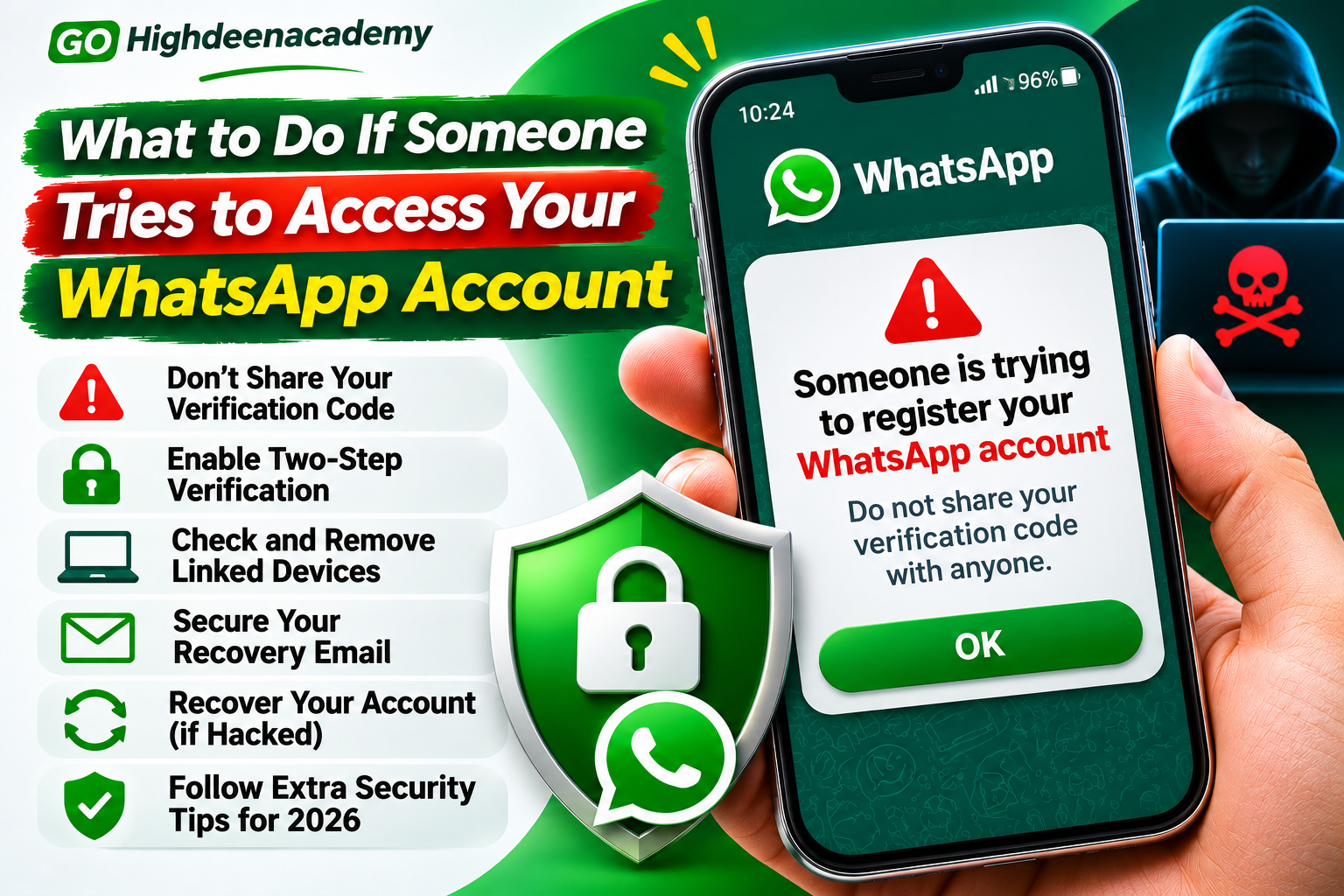
What to Do If Someone Tries to Access Your WhatsApp Account
WhatsApp has become an important part of everyday communication. People use it to stay connected with family, exchange personal information, manage business conversations, and share important documents. However, as the platform becomes more popular, cybercriminals continue developing methods to gain unauthorized access to accounts.
Imagine receiving a WhatsApp verification code even though you never requested one. You might also notice an unexpected login notification or a message asking you to share a security code. These situations can be alarming, particularly when your account contains sensitive conversations.
Fortunately, receiving an unexpected verification code does not automatically mean someone has successfully accessed your account.
Understanding the warning signs and responding appropriately can help protect your personal information and prevent unauthorized account activity.
This guide explains what to do when someone attempts to access your WhatsApp account, how to recognize common threats, and which security measures can help protect your account in 2026.
How Do Hackers Try to Access WhatsApp Accounts?
Before taking action, it is important to understand how unauthorized access attempts happen.
Cybercriminals use several techniques to trick individuals into giving away account credentials or granting access to their devices.
Some attacks depend on technical vulnerabilities, while others rely primarily on deception.
1. Verification Code Scams
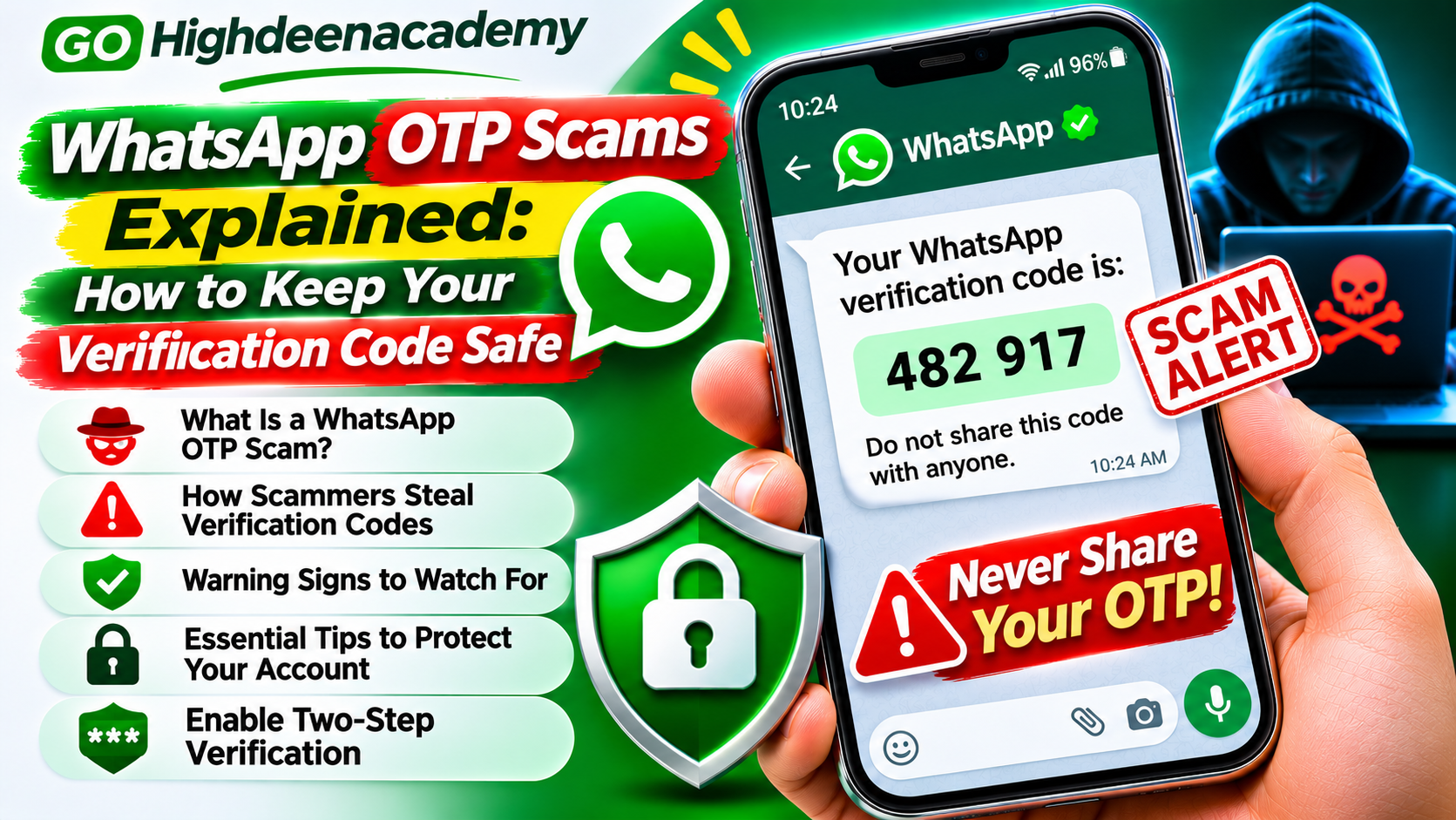
One common method involves attempting to register someone else's phone number on WhatsApp.
When a registration attempt occurs, WhatsApp may send a verification code to the number's owner.
The attacker then attempts to convince the recipient to share that code.
For example, a scammer may claim that they accidentally entered the wrong phone number and need the code to correct their mistake.
Sharing the code could allow the attacker to complete an unauthorized registration.
2. Phishing Messages
Phishing involves impersonating a trusted organization to steal sensitive information.
A fraudulent message might claim that your WhatsApp account will be suspended unless you complete an immediate security check.
The message may contain a link to a fake website requesting confidential details.
These websites can imitate legitimate account verification pages.
3. Suspicious Device Linking
WhatsApp allows users to connect computers and other supported devices to their accounts.
Criminals may attempt to deceive users into linking an unauthorized device.
If successful, the attacker may gain access to account conversations through that linked session.
This is why reviewing connected devices is an important security practice.
4. SIM-Related Attacks
Some attackers attempt to gain control of a victim's mobile phone number through SIM-swap fraud.
If they successfully transfer the number to another SIM, they may be able to receive verification messages intended for the legitimate owner.
Protecting your mobile service account can help reduce this risk.
Warning Signs Someone May Be Trying to Access Your WhatsApp
Recognizing suspicious activity early can help prevent serious problems.
Common warning signs include:
Receiving verification codes you did not request
Unexpected WhatsApp registration notifications
Being logged out without intentionally changing devices
Discovering unfamiliar linked devices
Receiving messages asking for your security PIN or password
Friends reporting unusual messages supposedly sent by you
Unexpected changes to account security settings
One warning sign alone does not always confirm that your account has been compromised.
For example, someone may have entered your phone number accidentally during registration.
However, repeated suspicious activity deserves attention.
Step 1: Never Share Your WhatsApp Verification Code
The first and most important precaution is to keep registration codes private.
WhatsApp uses verification methods to help confirm that a person registering an account has access to the relevant phone number or another approved authentication method.
If someone requests your registration code through a phone call, text message, or WhatsApp conversation, do not provide it.
This applies even if the requester claims to be a friend, company representative, or technical support employee.
Fraudsters sometimes use convincing language to make their requests appear legitimate.
Remember that a genuine registration code is meant for the person completing their own account verification.
Never share a WhatsApp registration code with anyone.
If you receive a code unexpectedly, avoid interacting with suspicious requests and review your account security settings.
Step 2: Enable WhatsApp Two-Step Verification
Two-step verification provides another layer of protection against unauthorized account registration.
It introduces an additional authentication requirement beyond the standard verification process.
WhatsApp has also introduced stronger password-based two-step verification options, replacing the traditional six-digit PIN system for supported accounts.
To review this feature:
Open WhatsApp on your smartphone.
Navigate to Settings.
Select Account.
Tap Two-step verification.
Follow the available instructions to enable or manage the feature.
Add or verify a recovery email address when prompted.
The exact options may vary depending on your device and WhatsApp version.
Use a strong, unique password when that option is available, and never disclose your verification credentials.
Two-step verification cannot prevent every attack, but it can make account takeovers more difficult.
Step 3: Check Your Linked Devices
WhatsApp's linked-device functionality allows users to access conversations from supported computers and other devices.
Although convenient, it is important to ensure that only authorized devices remain connected.
To review linked devices:
Open WhatsApp.
Navigate to Linked Devices through the application menu or settings.
Review the displayed device sessions.
Look for computers or devices you do not recognize.
Select an unfamiliar session and log it out.
Do not assume that every unfamiliar device name indicates criminal activity. Verify whether the session belongs to a computer or phone you previously used.
If you believe someone has connected an unauthorized device, remove the session and secure your phone.
Also review trusted devices within two-step verification settings where that option is supported.
Step 4: Protect Your Recovery Email Account
Your recovery email address can help you regain access to important account security features.
However, if someone gains unauthorized access to that email account, they may also gain access to sensitive recovery communications.
Protect your email account by using a unique password and enabling multifactor authentication.
Review its recent security activity and recovery settings.
Remove unfamiliar signed-in devices if you discover any.
Avoid using the same password across multiple services.
A well-protected recovery email account strengthens the security of your broader digital identity.
Step 5: Avoid Suspicious Messages and Links
Attackers often rely on urgency and fear to influence their targets.
A message may claim that your WhatsApp account has been hacked and that immediate verification is required.
Another may offer an account recovery service that promises to restore access within minutes.
These claims should be evaluated carefully.
Avoid opening unexpected links requesting account credentials.
Never install applications sent by unknown contacts.
If you need account assistance, access WhatsApp's official application or Help Center independently.
Be especially cautious of individuals who request payment for supposed account recovery services.
Step 6: Secure Your Mobile Phone
Protecting WhatsApp also requires securing the device on which it operates.
An attacker with access to an unlocked phone may be able to view private conversations or change important settings.
Enable a strong device screen lock.
Consider using biometric authentication when supported.
Keep your mobile operating system and applications updated.
Avoid installing unofficial or modified WhatsApp applications.
These applications may lack reliable security protections and could introduce additional privacy risks.
You should also avoid granting unnecessary permissions to unfamiliar applications.
What to Do If Someone Successfully Accesses Your WhatsApp
If you discover that your account has actually been taken over, immediate action is important.
WhatsApp provides an official recovery process for compromised accounts.
Recover Your Account Using Your Phone Number
If you still control your phone number and have access to the required verification method, follow the account recovery instructions displayed in WhatsApp.
The general recovery process involves:
Opening the official WhatsApp application.
Selecting the option to log back into your account.
Entering your registered phone number if requested.
Completing verification using the six-digit code received by an approved method.
Following any additional security instructions.
According to WhatsApp's recovery guidance, successfully re-registering your phone number with the verification code automatically logs out other devices using that account.
If you are asked for an unfamiliar two-step verification PIN, a waiting period of seven days may apply in certain circumstances.
Do not use unofficial services claiming to bypass these security requirements.
Notify Your Contacts
If someone gained control of your account, they may have contacted your friends or relatives while impersonating you.
Inform trusted contacts through another communication channel.
Ask them to ignore suspicious requests for payments, verification codes, or personal information.
Taking this precaution may help prevent additional victims.
Contact Your Mobile Provider
If your phone unexpectedly loses mobile network service or you suspect SIM-swap fraud, contact your mobile provider immediately.
Ask the provider to investigate whether your phone number has been transferred or whether unauthorized account changes have occurred.
Recovering control of your phone number may be necessary before completing WhatsApp registration.
Can Someone Read Your Old WhatsApp Messages?
WhatsApp uses end-to-end encryption for personal messages and calls.
This protection means that messages are designed to be readable only by authorized participants in the conversation.
If someone registers your phone number on another device, they do not automatically receive all your historical conversations from your original device.
However, unauthorized access through an existing linked device, compromised phone, or exposed backup can create different privacy risks.
Therefore, account registration security should not be confused with overall device and data security.
Regularly review account access and protect any cloud backups associated with your conversations.
What If You Receive Verification Codes Repeatedly?
Receiving repeated verification codes can be frustrating.
However, these messages do not necessarily mean that someone has successfully accessed your account.
They may indicate repeated registration attempts or someone entering the wrong phone number.
Do not share the codes or attempt to identify the sender through suspicious links.
Keep two-step verification enabled and monitor your account for unusual activity.
If you lose access or notice additional warning signs, follow the official recovery instructions.
Avoid repeatedly requesting new codes unnecessarily, as registration systems may temporarily restrict excessive attempts.
Additional WhatsApp Security Tips for 2026
WhatsApp continues introducing account security improvements.
Users should regularly review available protections rather than relying on a single security setting.
Set Up Passkeys
Passkeys allow supported devices to use fingerprint recognition, facial recognition, or screen-lock authentication for account verification.
Eligible users can review this option under WhatsApp Settings, Account, and Passkeys.
Update WhatsApp Regularly
Application updates can include security fixes and improvements.
Install the latest official version through your device's trusted application store.
Review Privacy Settings
Check who can view your profile photo, last-seen information, and other account details.
Reducing unnecessary exposure of personal information may limit opportunities for impersonation and unwanted contact.
Be Careful With QR Codes
Do not scan unfamiliar QR codes that request account linking.
Fraudulent websites may attempt to persuade users to connect WhatsApp to unauthorized sessions.
Protect Your Backups
If you use cloud backups, review the available security settings, including end-to-end encrypted backup protection.
Keep recovery credentials secure because losing them may affect your ability to restore protected backups.
Frequently Asked Questions
Does receiving a WhatsApp verification code mean my account is hacked?
No. An unexpected verification code generally indicates that someone entered your phone number during a registration attempt. It does not confirm that the attempt succeeded.
Can hackers access WhatsApp without my verification code?
Account takeovers can involve several techniques, including unauthorized device access and social engineering. Strong account security helps reduce these risks.
How can I check whether someone is using my WhatsApp?
Review your linked devices, investigate unexpected registration notifications, and look for unusual account activity.
Can I recover a hacked WhatsApp account?
In many cases, yes. Users who can complete the official phone number verification process may be able to recover their accounts, although additional security steps or waiting periods can apply.
Should I change my WhatsApp password after a suspicious attempt?
If your account remains under your control, reviewing and strengthening your two-step verification credentials is sensible. If someone has already taken over the account, complete the official re-registration process first.
Is WhatsApp two-step verification enough to stop hackers?
No single security measure provides complete protection. Two-step verification should be combined with secure devices, careful handling of verification codes, and awareness of phishing threats.
Final Thoughts
An unexpected WhatsApp verification code or suspicious login notification can be concerning, but it does not always mean that your account has been compromised.
The most effective response is to remain cautious and take practical security measures.
Never share registration codes, review linked devices, enable two-step verification, and protect the email account associated with your WhatsApp profile.
If someone successfully takes over your account, use the official recovery process and warn your contacts about potential impersonation attempts.
Digital security depends on consistent habits and an understanding of common online threats.
Taking a few minutes to protect your WhatsApp account today can help prevent unauthorized access, financial scams, and privacy problems in the future.
At GO Highdeenacademy, our goal is to help readers understand online security risks and make safer decisions when using digital communication platforms.