WhatsApp Two-Step Verification: A Complete Security Guide
WhatsApp is one of the most widely used messaging applications in the world. Millions of people depend on it for personal conversations, business communication, sharing documents, and staying connected with friends and family.
However, as digital communication becomes increasingly important, protecting messaging accounts from unauthorized access has become a major concern.
Cybercriminals frequently attempt to steal WhatsApp accounts through phishing messages, stolen verification codes, impersonation, and social engineering attacks.
One effective way to strengthen your account's security is to enable WhatsApp two-step verification.
This security feature adds another layer of protection, making it more difficult for unauthorized individuals to access your account, even if they obtain a registration code.
In this comprehensive guide, you will learn how WhatsApp two-step verification works, how to enable it, how to manage your security settings, and what to do if you forget your verification credentials.
What Is WhatsApp Two-Step Verification?
WhatsApp two-step verification is an optional security feature designed to provide additional protection when someone attempts to register or access your account.
Traditionally, WhatsApp users could activate this feature by creating a six-digit PIN.
In August 2026, WhatsApp announced an upgrade to a stronger password-based system that supports longer passwords containing letters, numbers, and special characters.
Some users may still see PIN-related settings while the updated system becomes available across supported devices and app versions.
The purpose remains the same: adding an additional security requirement beyond ordinary account registration.
For example, a criminal might obtain the temporary verification code sent to your phone number.
Without additional security, stolen registration credentials could increase the risk of account takeover.
Two-step verification makes this process more difficult by requiring another form of authentication.
Although it cannot eliminate every security threat, it significantly strengthens your account's defenses.
Why Is Two-Step Verification Important?
Many people assume their WhatsApp account is completely secure because their phone number belongs to them.
However, attackers use various methods to trick users into disclosing verification codes or transferring control of their accounts.
Two-step verification provides an additional safeguard against these situations.
1. Protection Against Account Takeovers
An account takeover occurs when an unauthorized person gains control of someone else's WhatsApp account.
Attackers may attempt this by obtaining registration codes through deceptive messages, impersonation, or SIM-related fraud.
Additional authentication can make unauthorized registration more difficult.
2. Improved Privacy Protection
WhatsApp conversations may contain personal information, private photographs, documents, and important business discussions.
Protecting your account helps reduce the possibility of another person gaining access to sensitive communications.
3. Reduced Risk of Impersonation
Criminals sometimes use compromised WhatsApp accounts to impersonate their owners.
They may contact friends, relatives, or colleagues requesting money or sensitive information.
Preventing account takeovers can also help protect people connected to you.
4. Better Security for Business Users
Businesses increasingly communicate with customers through WhatsApp.
A compromised business account could expose customer communications, damage trust, or allow criminals to distribute fraudulent messages.
For businesses handling customer inquiries, account security should be an important operational priority.
How Does WhatsApp Two-Step Verification Work?
WhatsApp normally verifies phone number ownership during registration through an approved verification method, such as a one-time code.
Two-step verification adds another authentication requirement.
Depending on the account's available settings, this may involve an existing PIN, an updated password, or other supported authentication options.
The additional requirement helps establish whether the person attempting to access the account is authorized.
Consider a situation where someone persuades you to disclose an SMS verification code.
If two-step verification is enabled, that code alone may not be sufficient for the attacker to complete the registration process.
However, no security feature should be considered completely foolproof.
Attackers may also target recovery email accounts, deceive users into sharing passwords, or exploit devices that are already compromised.
This is why two-step verification should be combined with other responsible security practices.
How to Enable WhatsApp Two-Step Verification on Android
Enabling additional account protection is generally straightforward.
Follow these steps:
Open the official WhatsApp application on your Android phone.
Tap the three-dot menu and select Settings.
Open the Account section.
Select Two-step verification.
Choose the option to enable or configure verification.
Follow the instructions to create your PIN or password, depending on the version available.
Add or confirm a recovery email address if requested.
Complete the security setup using the instructions displayed.
The exact interface may vary because WhatsApp periodically updates its security features.
After completing the process, review the settings to confirm that the protection is active.
How to Enable WhatsApp Two-Step Verification on iPhone
iPhone users can also configure the additional security feature.
The general procedure is similar:
Launch WhatsApp on your iPhone.
Open Settings.
Select Account.
Tap Two-step verification.
Follow the available setup instructions.
Create a secure verification password or PIN, where applicable.
Provide an accessible recovery email address when prompted.
Complete the confirmation process.
Always use the latest official version of WhatsApp to access the security features supported on your device.
If your screen differs from these instructions, follow the options displayed within the application.
How to Create a Strong WhatsApp Verification Password
Choosing secure authentication credentials is an important part of protecting your account.
Older WhatsApp accounts may still use six-digit verification PINs, while the newer system supports stronger passwords.
If your account supports password-based verification, consider the following recommendations.
Use a Unique Password
Avoid reusing passwords from email accounts, social media platforms, or banking services.
Using different passwords reduces the possibility that a breach involving one service will affect another.
Avoid Predictable Information
Do not base your credentials on publicly available personal information.
Birthdays, phone number sequences, simple number patterns, and commonly used passwords are easier for attackers to guess.
Consider a Password Manager
A reputable password manager can help generate and securely store unique passwords.
This is especially useful when maintaining multiple important online accounts.
Never Share Your Credentials
WhatsApp verification passwords and PINs should remain confidential.
Do not disclose them to strangers, acquaintances, or anyone claiming to provide technical support.
Why Should You Add a Recovery Email Address?
A recovery email address can play an important role in account security.
If you forget your verification credentials, supported recovery methods may use your registered email address to help restore access.
Without appropriate recovery information, regaining access could become more complicated.
When adding an email address, make sure it belongs to you and that you can access it reliably.
You should also protect the email account with its own strong password and multifactor authentication.
Remember that an attacker who compromises your email account may gain access to important recovery communications.
Therefore, protecting your email address is just as important as protecting WhatsApp itself.
What Happens If You Forget Your Two-Step Verification PIN or Password?
Forgetting verification credentials can be frustrating, particularly when changing phones or reinstalling WhatsApp.
Fortunately, WhatsApp provides account recovery procedures.
If you forget your password or PIN, open the relevant recovery option within the official application.
Depending on your account configuration, you may be able to reset your credentials using a verified email address or another supported verification method.
In certain circumstances, WhatsApp may require a seven-day waiting period before a reset can be completed.
The available recovery options depend on your account's security configuration and verification status.
Avoid repeatedly guessing your credentials because unsuccessful attempts may cause temporary restrictions.
Most importantly, never trust third-party services claiming they can bypass WhatsApp security or instantly unlock any account.
WhatsApp Two-Step Verification vs. SMS Verification
Many users confuse registration codes with two-step verification credentials.
However, these security measures serve different purposes.
SMS or Registration Verification
A registration code is used during the phone number registration process.
It helps confirm that the person attempting registration has access to an approved verification method.
Such codes are temporary and should never be shared.
Two-Step Verification
Two-step verification provides an additional authentication requirement.
It helps prevent someone from completing unauthorized access attempts using only a stolen registration code.
Both security measures are useful, but they should not be treated as interchangeable.
What Are WhatsApp Passkeys?
Passkeys are another account security option available on supported devices.
A passkey uses your device's authentication system, which may include fingerprint recognition, facial recognition, or a screen lock.
This can make account access more convenient while reducing dependence on manually entered credentials.
To check whether passkeys are available on your device, open:
WhatsApp Settings > Account > Passkeys
Follow the displayed instructions to configure the feature.
WhatsApp also supports trusted-device management for eligible two-step verification accounts.
Passkeys, trusted devices, and two-step verification are related account security features, but they perform different functions.
Users should review the available options rather than assuming that enabling one feature automatically configures every other security setting.
Common WhatsApp Security Mistakes to Avoid
Even with additional verification enabled, poor security habits can put an account at risk.
Sharing Verification Codes
Scammers frequently contact victims pretending that a code was accidentally sent to their phone.
Never forward your registration code to another person.
Clicking Suspicious Links
Fraudulent messages may direct users to websites impersonating WhatsApp support or account verification services.
Always verify website addresses before entering sensitive information.
Using Unofficial Applications
Modified WhatsApp applications may lack reliable security protections.
Install WhatsApp only from trusted sources.
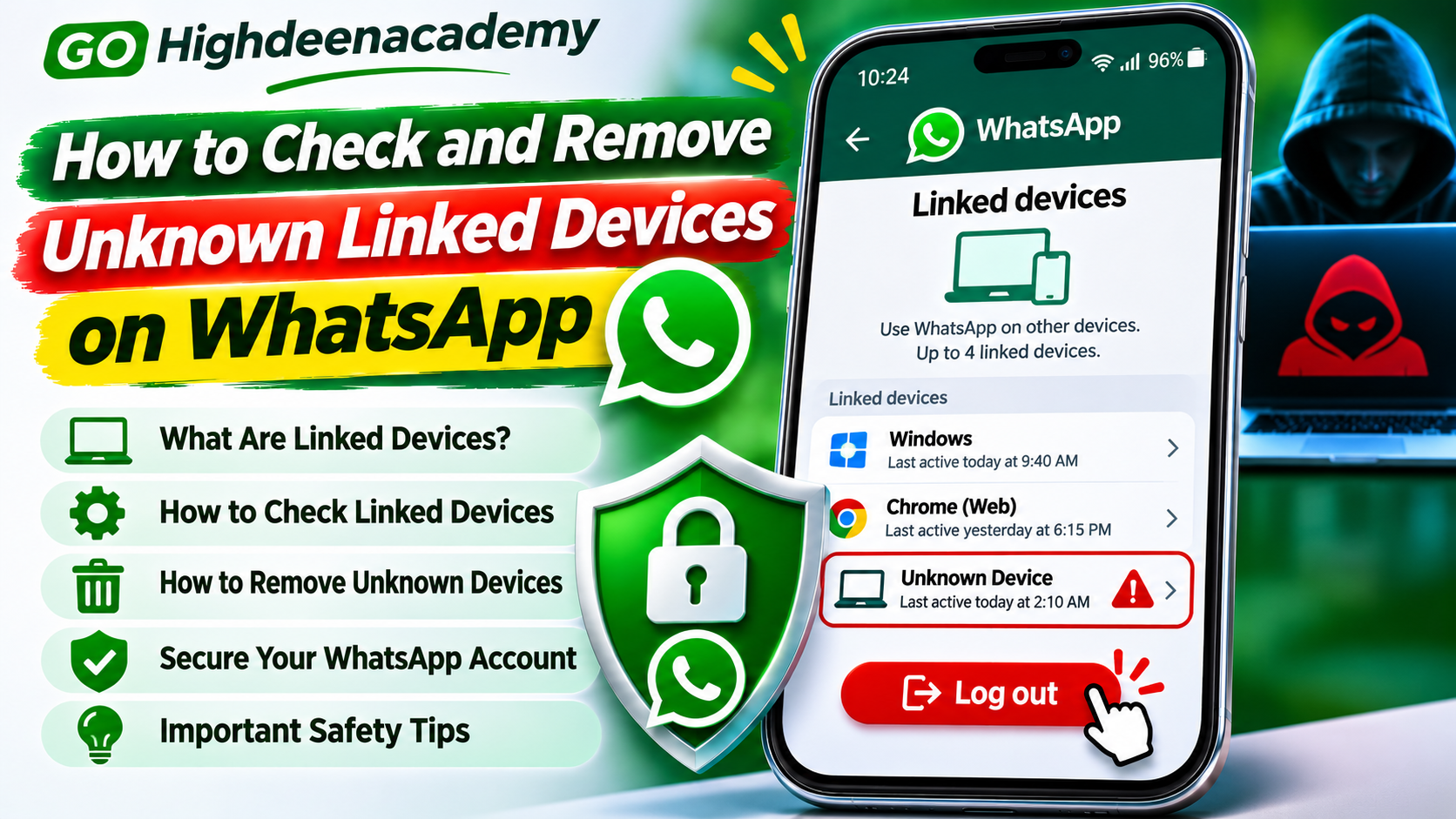
Ignoring Linked Devices
WhatsApp allows supported computers and other devices to access an account through its linked-device feature.
Periodically review the Linked Devices section and remove unfamiliar sessions.
Leaving Your Phone Unlocked
Anyone with unauthorized access to an unlocked device may be able to view private information or change security settings.
Use a strong screen lock and avoid leaving your phone unattended in public places.
What to Do If Someone Tries to Access Your WhatsApp Account
Unexpected registration codes or unusual security notifications may indicate that someone is attempting to access your account.
However, receiving an unexpected code does not necessarily mean the attacker has succeeded.
If you notice suspicious activity, take the following precautions:
Never share verification codes or account passwords.
Review your account's two-step verification settings.
Check Linked Devices for unfamiliar sessions.
Secure the email account associated with WhatsApp.
Update WhatsApp and your phone's operating system.
Contact your mobile provider if you suspect SIM-related fraud.
If you have already lost access, follow WhatsApp's official account recovery procedure.
Once you successfully re-register your account using the required verification code, previously connected unauthorized devices may be logged out.
Some accounts may still require additional verification or a waiting period.
If attackers have contacted people using your account, inform your trusted contacts about the incident.
Additional Tips to Keep WhatsApp Secure
Two-step verification works best as part of a broader security strategy.
Keep your device updated because software updates may fix security vulnerabilities.
Enable biometric or application locking features where supported.
Be cautious when receiving unexpected attachments, especially from unfamiliar numbers.
Avoid disclosing personal or financial information to unverified contacts.
If a relative or colleague requests emergency financial assistance through WhatsApp, confirm their identity through an independent communication method.
Business users should also establish clear policies for employee access and account recovery.
Taking these precautions can reduce exposure to phishing, account theft, and other forms of online fraud.
Frequently Asked Questions
Is WhatsApp two-step verification free?
Yes. WhatsApp provides its built-in two-step verification feature without a separate subscription fee.
Can someone access my WhatsApp account if two-step verification is enabled?
Additional verification makes unauthorized account access more difficult, but it does not guarantee complete protection against every attack.
Does two-step verification protect WhatsApp messages?
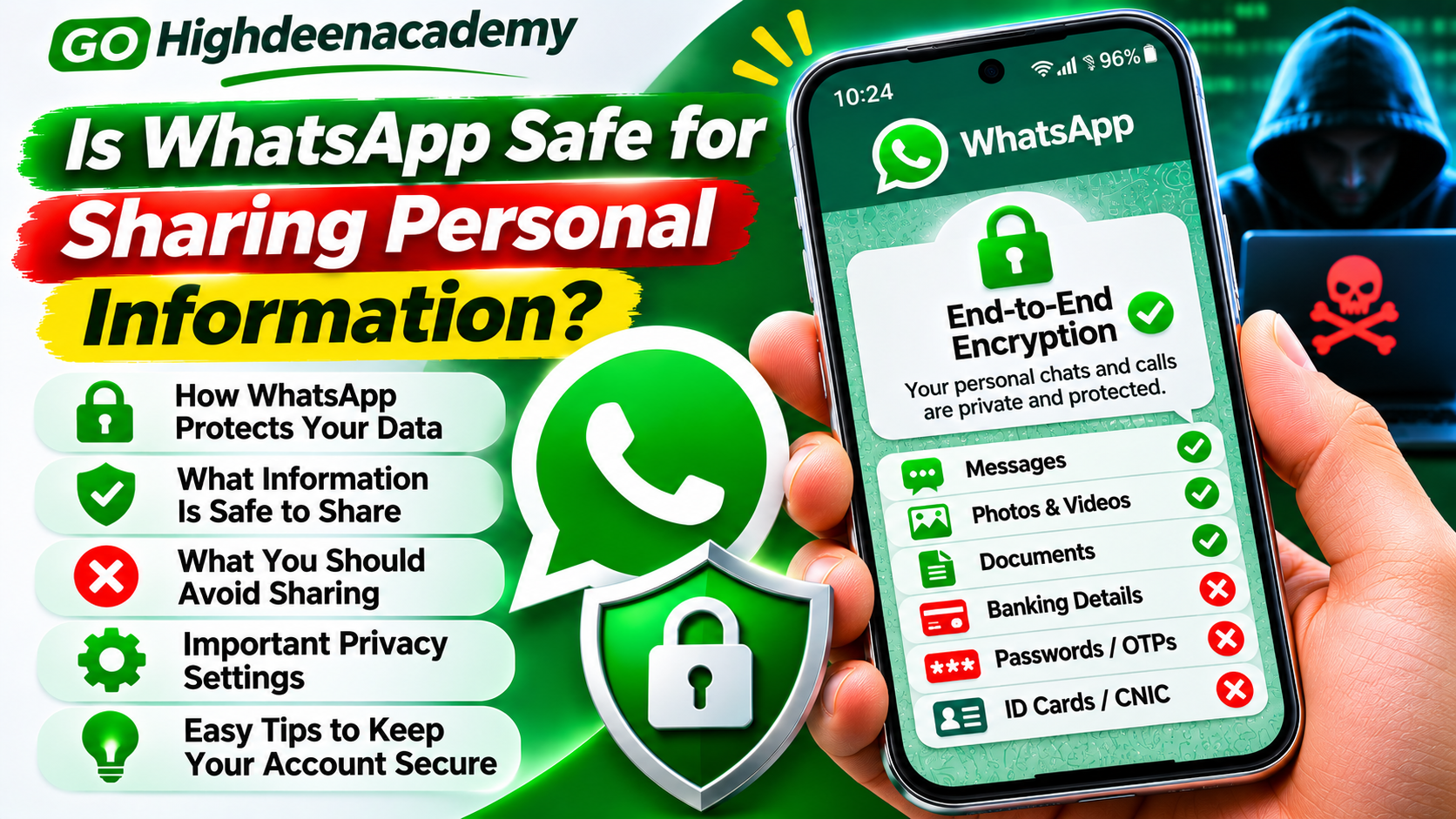
It helps protect account access. WhatsApp separately uses end-to-end encryption for personal messages and calls.
Can I change my verification PIN or password?
Yes. Supported account settings allow users to manage their verification credentials.
Is a recovery email necessary?
A recovery email is strongly recommended because it may help restore account access if authentication credentials are forgotten.
Should I enable both passkeys and two-step verification?
Using supported security options together can provide additional convenience and protection, depending on your device and account configuration.
Final Thoughts
WhatsApp two-step verification is an important security feature for anyone who values online privacy and account protection.
Whether you use WhatsApp for personal messages, professional conversations, or customer communication, strengthening your authentication settings can reduce the risk of unauthorized access.
As cybercriminals develop new techniques for stealing verification codes and impersonating users, relying on basic phone number verification alone may not provide sufficient protection.
Enable two-step verification, use strong credentials, maintain access to your recovery email, and regularly review your account settings.
You should also consider supported passkey features and remain cautious of suspicious messages requesting confidential information.
Protecting your WhatsApp account starts with a few simple security decisions. Making those decisions today can help prevent serious problems in the future.
At GO Highdeenacademy, we encourage readers to practice responsible digital security and stay informed about the tools available to protect their online accounts.